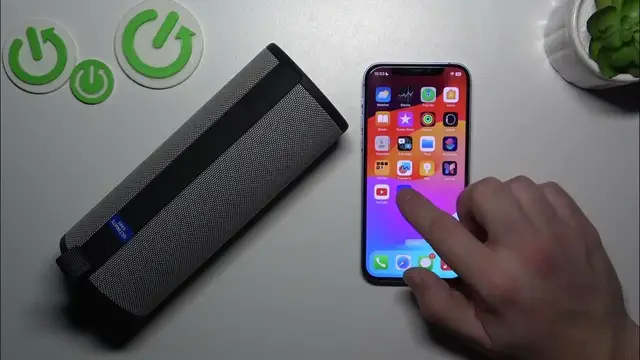

How to Check and Update Firmware on Your Ultimate Ears Boom 3
Jan 17, 2024

Find out more: https://www.hardreset.info/devices/
Stay up-to-date with the latest features of your Ultimate Ears Boom 3 by learning how to check its firmware in our newest video guide. This tutorial is essential for ensuring your speaker operates with optimal performance and access to the newest updates. We cover the straightforward steps to identify your current firmware version and how to determine if an update is needed. Ideal for tech enthusiasts, UE Boom 3 owners, or anyone keen on maintaining their gadgets, this video is a simple yet effective tool for enhancing your speaker's functionality. We delve into the importance of firmware updates, how they can improve your device, and what signs to look for that suggest an update might be necessary. Join us in this tech journey to keep your Ultimate Ears Boom 3 at the forefront of audio innovation. Don't forget to like, subscribe, and hit the notification bell for more useful tech content
#UEBoom3Update
#FirmwareCheck
#TechMaintenance
Questions for the Video:
How to access the firmware information on your Ultimate Ears Boom 3?
How to know if your UE Boom 3 firmware is up-to-date?
How to find the latest firmware version for the UE Boom 3?
How to troubleshoot issues related to outdated firmware on the UE Boom 3?
How to prepare your UE Boom 3 for a firmware update?
Follow us on Instagram ► https://www.instagram.com/hardreset.info
Like us on Facebook ► https://www.facebook.com/hardresetinfo/
Tweet us on Twitter ► https://twitter.com/HardResetI
Support us on TikTok ► https://www.tiktok.com/@hardreset.info
Use Reset Guides for many popular Apps ► https://www.hardreset.info/apps/apps/
Show More Show Less