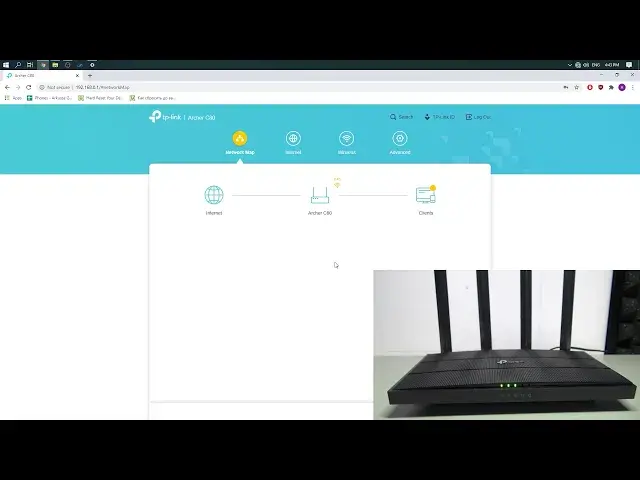

How to Change Wi-Fi Name TP-Link Archer C80 - Easy SSID Change on TP-Link Router - Video Tutorial
Apr 24, 2024

Find out more: https://www.hardreset.info/devices/tp-link/tp-link-archer-c80/set-wi-fi/
In this video, I will show you how to quickly switch WiFi name on the TP-Link router using just the web browser. All you need to do is to enter the TP-Link default IP address in Chrome, Safari, or Firefox and enter the TP-Link Archer C80 configuration. There you can change the Wi-Fi name.
How to set up WiFi password on TP-Link Archer C80 Router? How to secure internet connection on TP-Link Archer C80 Router? Hot to change Wi-Fi password on TP-Link Archer C80 Router? How to create a Wi-Fi password on TP-Link Archer C80 Router? How to enable Wi-Fi encryption on TP-Link Archer C80 Router? How to change the Wi-Fi name on TP-Link Archer C80 Router? How to set a new SSID on TP-Link Archer C80 Router?
Follow us on Instagram ► https://www.instagram.com/hardreset.info
Like us on Facebook ► https://www.facebook.com/hardresetinfo/
Tweet us on Twitter ► https://twitter.com/HardResetI
Support us on TikTok ► https://www.tiktok.com/@hardreset.info
Use Reset Guides for many popular Apps ► https://www.hardreset.info/apps/apps/
#tplinkarcherc80 #tp-linksetup #hardresetinfo #imeiinfo
Show More Show Less