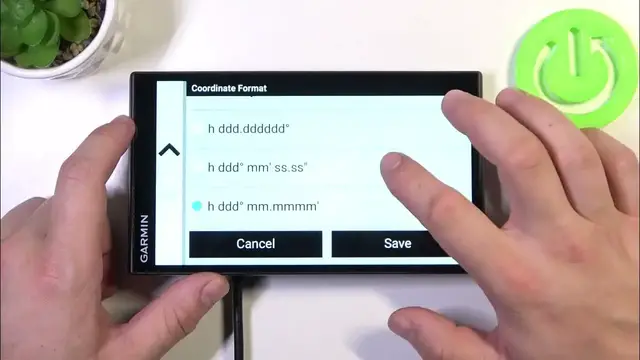

How to Change Units on GARMIN DriveSmart 76 MT S?
Jan 19, 2024

To learn more, visit our website: https://www.hardreset.info/
In this tutorial, you'll learn how to change units on your GARMIN DriveSmart 76 MT S. We'll provide step-by-step instructions for customizing the unit settings to your preferred format for measurements, making navigation more convenient for you.
How to access the unit settings on the GARMIN DriveSmart 76 MT S? How to switch between metric and imperial units for distance and speed? How to customize the units for altitude, temperature, and other measurements? How to ensure that the unit settings match your familiar and preferred format? How to confirm that the unit changes have been successfully applied on the device? How to make the most of unit customization for accurate and convenient navigation? How to adapt the unit settings to different regions or travel preferences? How to troubleshoot any issues that may arise while changing units on the GARMIN DriveSmart 76 MT S? How to revert to the default unit settings if needed? How to use the unit settings feature for a more personalized and comfortable navigation experience? #ChangeUnits #ChangeFormat #GARMINDriveSmart76MTS
Follow us on Instagram ► https://www.instagram.com/hardreset.info
Like us on Facebook ► https://www.facebook.com/hardresetinfo/
Tweet us on Twitter ► https://twitter.com/HardResetI
Support us on TikTok ► https://www.tiktok.com/@hardreset.info
Use Reset Guides for many popular Apps ► https://www.hardreset.info/apps/apps/
Show More Show Less