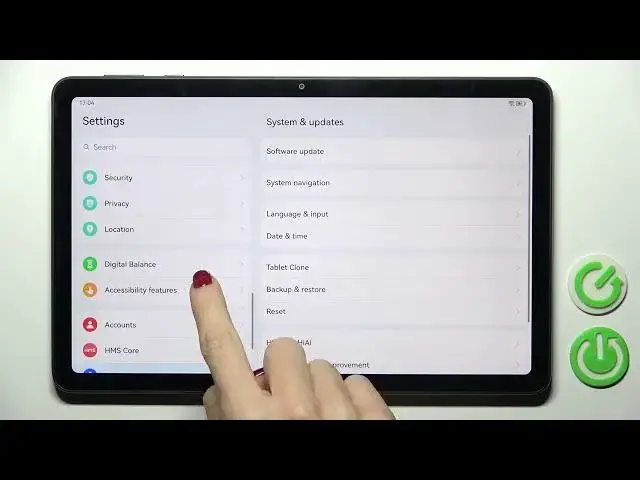

How to Change Total Screen Time on Huawei MatePad SE?
Jul 27, 2024

More details: https://www.hardreset.info/devices/huawei/huawei-matepad-se-wi-filte/tutorials/
In this tutorial, you'll learn how to change the total screen time on your Huawei MatePad SE. Screen time is the duration your device's screen stays active before it goes to sleep. This feature helps conserve battery power and prevent unwanted access. By default, the screen timeout is set to a specific duration, but you can customize it to your preference. Follow our step-by-step guide to learn how to increase or decrease the screen timeout and customize your device's display settings.
How to See Total Screen Time on Huawei MatePad SE?
How to Change Total Screen Time on Huawei MatePad SE?
How to Setect Total Screen Time on Huawei MatePad SE?
#totalscreentime #screentime #huaweimatepadse
Follow us on Instagram ► https://www.instagram.com/hardreset.info
Like us on Facebook ► https://www.facebook.com/hardresetinfo/
Tweet us on Twitter ► https://twitter.com/HardResetI
Support us on TikTok ► https://www.tiktok.com/@hardreset.info
Use Reset Guides for many popular Apps ► https://www.hardreset.info/apps/apps/
Show More Show Less