0:00
Hi guys! This is a new video about tic-tac and right now we will show you how to change your
0:05
tic-tac username before 30 days. For example, if you have the notification that you don't have any
0:17
permissions to manage your username before the selected date, so you can smoothly bypass this
0:24
setting after repeating our tricks we showed today. So let's go to the watch and manage the
0:31
date and time settings on your phone to bypass your tic-tac app customizations. So let's go to
0:39
the settings app on your device to change your date and time settings here. So first and foremost
0:47
let's tap on the general option and here we can go to this date and time section, click on it one
0:54
time. So if the set automatically option is turned on on your device, let's click on this green toggle
1:02
to disable it and right now we have a cool option to manage the date of your device. So let's tap
1:08
on it one time and let's choose another day. For example, if we have the restricted 30 days, let's
1:14
choose for example this date to have some additional time for the tic-tac. So let's
1:23
go out from this general settings to save this new date and right now we can check the result after
1:32
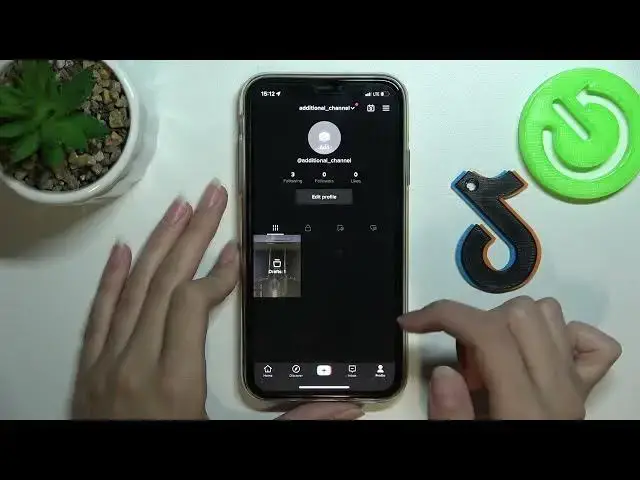
going to the tic-tac application. This is our additional channel, let's update it one time
1:39
and let's tap on the edit profile button you can find on the profile page to change the
1:47
username and to try to do it because right now we will check if these settings will work. So
1:54
let's tap on the edit button and as you can see here we have the username option. Let's tap on the
2:01
arrow opposite it. So right now let's change it by adding some, for example, number
2:10
Wait a minute please. Yes and we are able to correct our username successfully without any
2:18
restrictions and additional notifications. So yes, well done, let's tap on the save
2:26
Uh yes, set username. Voila! So perfect! Right now we have another username and remember that if this video was
2:34
useful and interesting you can subscribe to our youtube and of course tic-tac hard reset
2:42
dot info channel. So goodbye, good luck guys, bye-bye! you