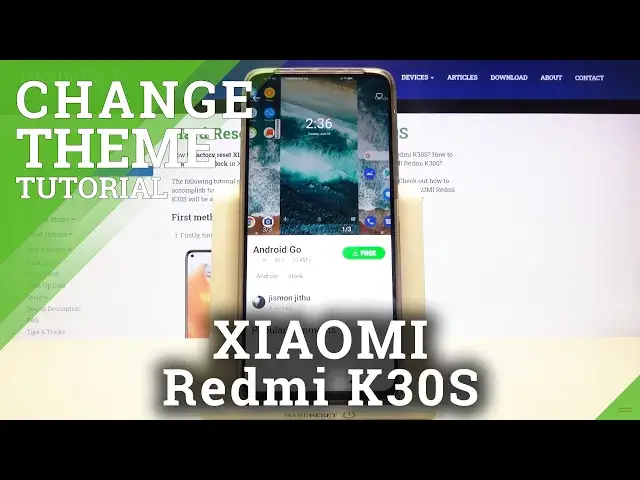

How to Change Theme on Xiaomi Redmi K30s
Apr 25, 2024

Read more info about Xiaomi Redmi K30s:
https://www.hardreset.info/devices/xiaomi/xiaomi-redmi-k30s/
Do you wish to change how your device theme to make it feel a bit more personal, more like the device is actually yours? Well, in this video you will learn just that. There are plenty of ways you can do this, most of the devices have premade theme bundles so you can find one that has everything you’re looking for, but in addition, you can theme the entire device yourself using third-party programs, changing fonts or icons. Here I will go over the theme packs that come with the device but when it comes to customization, the sky is the limit.
How to Use Theme in Xiaomi Redmi K30s? How to Set Up Theme in Xiaomi Redmi K30s? How to Change Theme in Xiaomi Redmi K30s? How to Personalize Theme in Xiaomi Redmi K30s? How to Personalize Menu Look in Xiaomi Redmi K30s? How to Apply Theme in Xiaomi Redmi K30s? How to Change Home Screen Theme in Xiaomi Redmi K30s? How to Change Lock Screen Theme in Xiaomi Redmi K30s?
Follow us on Instagram ► https://www.instagram.com/hardreset.info
Like us on Facebook ► https://www.facebook.com/hardresetinfo/
Tweet us on Twitter ► https://twitter.com/HardResetI
Support us on TikTok ► https://www.tiktok.com/@hardreset.info
Use Reset Guides for many popular Apps ► https://www.hardreset.info/apps/apps/
Show More Show Less