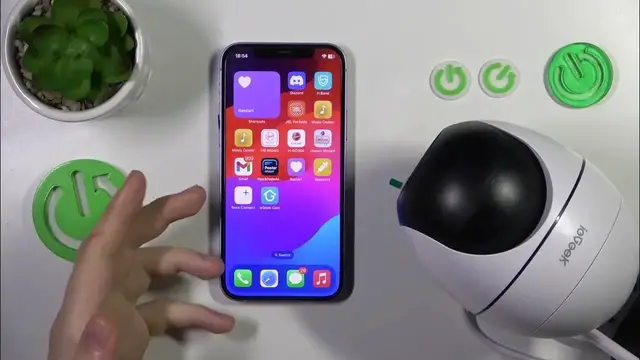

How to Change the Profile Name in the ieGeek Cam App // ieGeek ZS-GQ2
Jan 17, 2024

We invite you to visit our website and find out more: https://www.hardreset.info
Personalize your ieGeek experience! Watch our video guide on changing the account name in the ieGeek cam app (compatible with ieGeek ZS-GQ2 IP camera and other devices). Follow the step-by-step instructions to update your account name and make your surveillance setup uniquely yours. Watch now and customize your ieGeek cam app effortlessly.
How to change the account nickname for the ieGeek ZS-GQ2 IP camera? How to set a custom profile name in the ieGeek cam app? How to find account settings in the ieGeek cam app?
#ieGeekZS-GQ2 #ieGeek #Nickname
Follow us on Instagram ► https://www.instagram.com/hardreset.info
Like us on Facebook ► https://www.facebook.com/hardresetinfo/
Tweet us on Twitter ► https://twitter.com/HardResetI
Support us on TikTok ► https://www.tiktok.com/@hardreset.info
Use Reset Guides for many popular Apps ► https://www.hardreset.info/apps/apps/
Show More Show Less