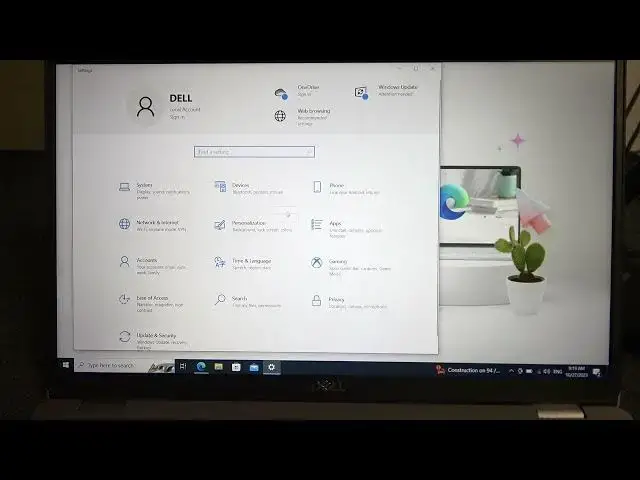

How to Change the Default Browser on Dell Latitude
Aug 5, 2024

Find out more : https://www.hardreset.info/
This step-by-step guide will show you how to set your preferred web browser as the default on your Dell Latitude laptop. Whether you favor Chrome, Firefox, or another browser, customizing your web experience is easy. Learn how to enhance your browsing efficiency by changing your default browser to the one you love.
How to change the default browser on Dell Latitude?
Why would I want to switch my default browser on my laptop?
Can I install multiple web browsers on my Dell Latitude?
Are there different methods for changing the default browser on Dell Latitude models?
What are the advantages of setting a different default browser?
How does changing the default browser affect my internet experience?
Is it possible to revert to the original default browser on Dell Latitude?
How to manage default browser settings for specific tasks or websites?
Can I use extensions or add-ons with my new default browser on Dell Latitude?
How does changing the default browser impact my bookmarks and history?
#delllatitude #delllaptops #Dell
Follow us on Instagram ► https://www.instagram.com/hardreset.info
Like us on Facebook ► https://www.facebook.com/hardresetinfo/
Tweet us on Twitter ► https://twitter.com/HardResetI
Support us on TikTok ► https://www.tiktok.com/@hardreset.info
Use Reset Guides for many popular Apps ► https://www.hardreset.info/apps/apps/
Show More Show Less