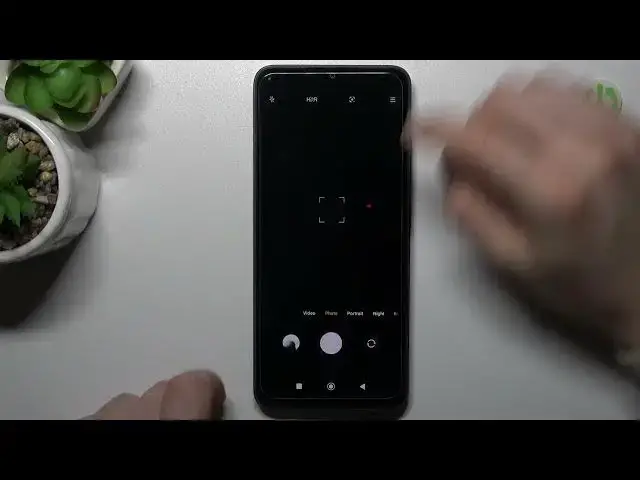

How to Change the Camera Function for Volume Buttons on a REDMI 12C
Mar 20, 2024

Learn more about the REDMI 12C: https://www.hardreset.info/devices/redmi/redmi-12c/tutorials/
In this video, we'll show you how to assign and modify the camera function for the volume keys on your REDMI 12C. By default, the volume keys on your device are used to adjust the volume of your media and notifications. However, you can also assign them to perform other functions, such as taking photos or recording videos in the camera app. We'll start by accessing the camera app on your REDMI 12C and locating the camera settings menu. From there, we'll demonstrate how to assign the camera function to the volume keys and adjust the settings for this feature. We'll also provide tips on how to use this feature effectively and troubleshoot any issues that may arise. This tutorial is perfect for anyone who wants to make the most out of their REDMI 12C camera and streamline their photography workflow. Follow along with our easy-to-follow instructions and start assigning and modifying your camera function for volume keys today!
How to zoom with volume keys in the camera on REDMI 12C? How to use volume buttons for taking pictures in the camera of REDMI 12C? How to reassign the camera function for volume buttons on a REDMI 12C?
#REDMI12C #VolumeButton #XIAOMICamera
Follow us on Instagram ► https://www.instagram.com/hardreset.info
Like us on Facebook ►
https://www.facebook.com/hardresetinfo/
Tweet us on Twitter ► https://twitter.com/HardResetI
Support us on TikTok ► https://www.tiktok.com/@hardreset.info
Use Reset Guides for many popular Apps ► https://www.hardreset.info/apps/apps/4
Show More Show Less