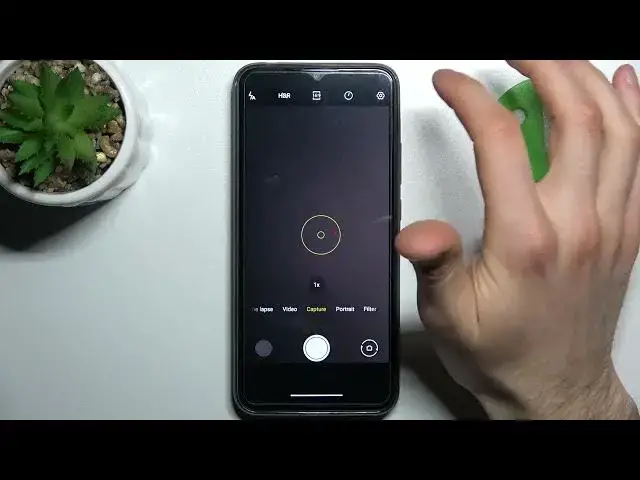

How to Change the Camera Aspect Ratio on BLACKVIEW A70
Jul 1, 2024

Learn more information about the BLACKVIEW A70: https://www.hardreset.info/devices/blackview/blackview-a70/
In this video tutorial, we are going to demonstrate how you can change and configure the camera aspect ratio on your BLACKVIEW A70 smartphone. The values that you can choose between are 4:3 and 16:9. Basically, the aspect ratio is responsible for the camera viewfinder width to height proportion. Thus, we are humbly inviting you to view this video. Please enjoy and thanks for watching!
How to set a different camera aspect ratio on BLACKVIEW A70? How to adjust the camera aspect ratio on BLACKVIEW A70? How to regulate the camera aspect ratio on BLACKVIEW A70?
#BLACKVIEWA70 #aspectratio #BLACKVIEWcamera
Follow us on Instagram ► https://www.instagram.com/hardreset.info
Like us on Facebook ►
https://www.facebook.com/hardresetinfo/
Tweet us on Twitter ► https://twitter.com/HardResetI
Support us on TikTok ► https://www.tiktok.com/@hardreset.info
Use Reset Guides for many popular Apps ► https://www.hardreset.info/apps/apps/
Show More Show Less