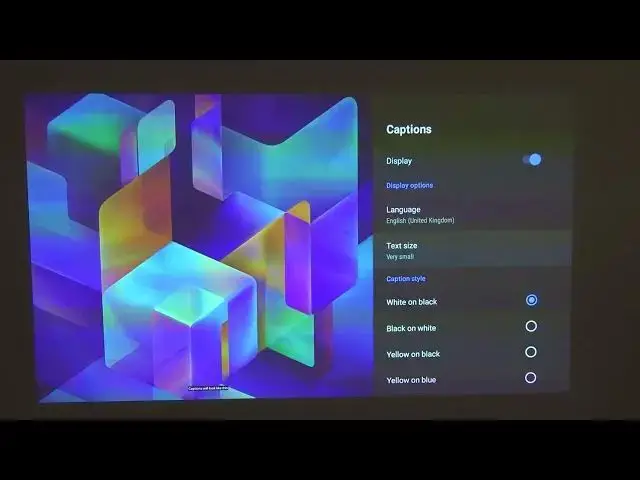

How to Change Subtitles Text Size on XIAOMI Mi Smart Projector 2 Pro - Improve Captions Visibility
Apr 5, 2024

Find out all info you'll ever need about XIAOMI Mi Smart Projector 2 Pro: https://www.hardreset.info/devices/xiaomi/xiaomi-mijia-2-pro-dlp-projector/
In this video I will show you how to set bigger size for subtitles on XIAOMI Mi Smart Projector 2 Pro. This will significantly improve visibilty of captions on XIAOMI Mi Smart Projector 2 Pro. All you need to do is to go to the Captions Section in XIAOMI Mi Smart Projector 2 Pro main menu, and adjust captions size to your needs and wishes.
Follow us on Instagram ► https://www.instagram.com/hardreset.info
Like us on Facebook ► https://www.facebook.com/hardresetinfo/
Tweet us on Twitter ► https://twitter.com/HardResetI
Support us on TikTok ► https://www.tiktok.com/@hardreset.info
Use Reset Guides for many popular Apps ► https://www.hardreset.info/apps/apps/
How to enlarge subtitles on XIAOMI Mi Smart Projector 2 Pro? How to set bigger captions size on XIAOMI Mi Smart Projector 2 Pro?
#mismartprojector2 #xiaomiprojector #projector2pro
Show More Show Less