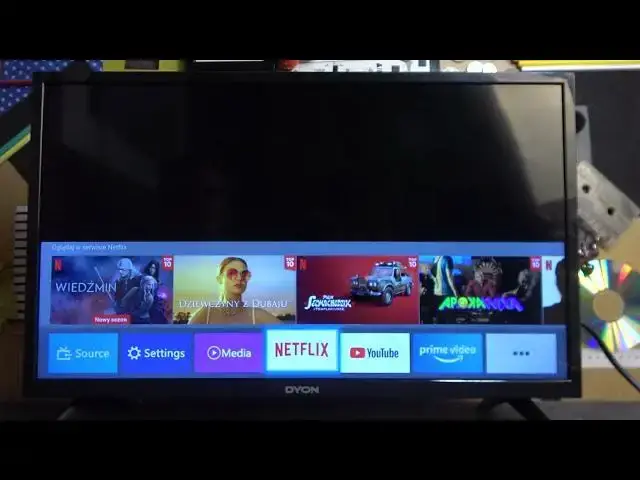

How To Change SPDIF Mode On Dyon 24 XT V2
Aug 3, 2024

For More Great Tutorials Visit Our Website: https://www.hardreset.info/
This informative video will demonstrate how to change the SPDIF mode on your Dyon 24 XT V2 TV. The SPDIF (Sony/Philips Digital Interface) is an audio connection that allows you to connect your TV to external audio devices, such as soundbars or home theater systems.
How to change SPDIF mode on Dyon 24 XT V2 TV
Dyon 24 XT V2 TV SPDIF settings tutorial
Adjusting audio settings on Dyon 24 XT V2 TV
Dyon 24 XT V2 TV SPDIF output options
Changing audio mode on Dyon 24 XT V2 TV
Optimizing audio output for Dyon 24 XT V2 TV
Dyon 24 XT V2 TV audio connection settings
#Dyon #Smartv #androidtv
Follow us on Instagram ► https://www.instagram.com/hardreset.info
Like us on Facebook ► https://www.facebook.com/hardresetinfo/
Tweet us on Twitter ► https://twitter.com/HardResetI
Support us on TikTok ► https://www.tiktok.com/@hardreset.info
Use Reset Guides for many popular Apps ► https://www.hardreset.info/apps/apps/
Show More Show Less