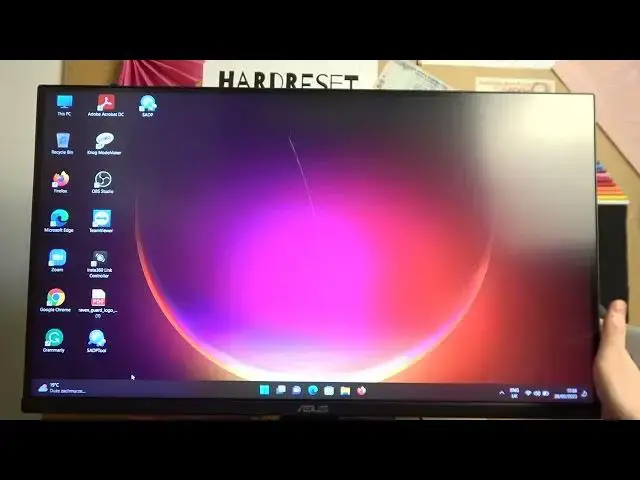

How To Change Skin Tone Settings Asus TUF Gaming VG289
Mar 17, 2024

Visit Our Website For More : https://www.hardreset.info
In this tutorial, we will guide you through the process of changing the skin tone settings on your Asus TUF Gaming VG289 monitor. If you're not satisfied with the default skin tone representation or if you want to make adjustments to match your personal preferences, this video is for you.
How to change skin tone settings on Asus TUF Gaming VG289 monitor
Adjusting skin tone on Asus TUF Gaming VG289
Customizing skin tone appearance on Asus TUF Gaming VG289
Changing color temperature for skin tone on Asus TUF Gaming VG289
Asus TUF Gaming VG289 skin tone settings
#asustufgaming #asusgaming #asusgamer
Follow us on Instagram ► https://www.instagram.com/hardreset.info
Like us on Facebook ► https://www.facebook.com/hardresetinfo/
Tweet us on Twitter ► https://twitter.com/HardResetI
Support us on TikTok ► https://www.tiktok.com/@hardreset.info
Use Reset Guides for many popular Apps ► https://www.hardreset.info/apps/apps/
Show More Show Less