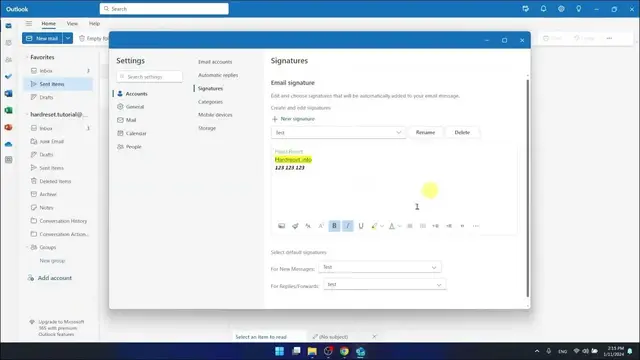

How To Change Signature In Outlook Web Version
Jan 19, 2024

Find out more: https://www.hardreset.info/devices/
Welcome to our newest video where we dive into the simple yet impactful process of changing your email signature in the Outlook Web Version. Tailored for professionals, students, and anyone keen on personalizing their digital correspondence, this tutorial navigates through the steps to refresh or update your email signature effortlessly. A well-crafted signature not only adds a personal touch but also conveys professionalism and attention to detail. Whether you're looking to update your contact information, add a touch of branding, or simply change your signature style, our video has got you covered. We discuss the importance of a good email signature and walk you through the process of customizing it to reflect your current role, company, or personal brand. This guide is perfect for both new and seasoned Outlook users who want to make a lasting impression in their email communications. Watch now to learn how to transform your email signature into a powerful tool for your professional and personal interactions!
#OutlookSignatureUpdate
#ProfessionalEmailTips
#OutlookWebGuide
Questions for the Video:
How to access the signature settings in Outlook Web Version?
How to create a new signature in Outlook Online?
How to incorporate social media links in your Outlook Web signature?
How to switch between multiple signatures in Outlook Web?
How to ensure your signature reflects your current role or brand in Outlook Online?
Follow us on Instagram ► https://www.instagram.com/hardreset.info
Like us on Facebook ► https://www.facebook.com/hardresetinfo/
Tweet us on Twitter ► https://twitter.com/HardResetI
Support us on TikTok ► https://www.tiktok.com/@hardreset.info
Use Reset Guides for many popular Apps ► https://www.hardreset.info/apps/apps/
Show More Show Less