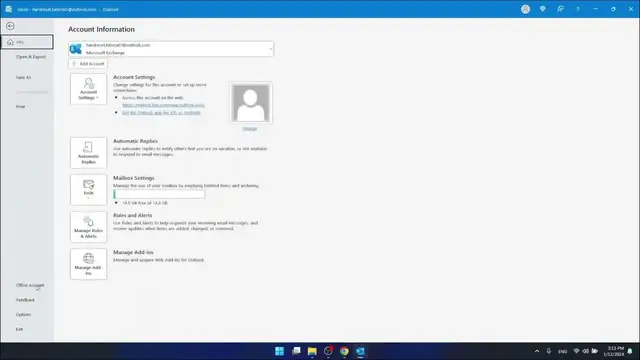

How to Change Signature in Outlook
Jan 18, 2024

Find out more: https://www.hardreset.info/devices/
Elevate your professional email presence with our expert guide on 'How to Change Signature in Outlook'. A well-crafted email signature is more than just a sign-off; it's a reflection of your professional identity and brand. Whether you're updating your contact details, adding social media links, or simply refreshing your signature's style, this tutorial is perfect for anyone looking to make a statement with their email sign-off. We walk you through the process of customizing your email signature in Microsoft Outlook with ease, helping you create a signature that resonates with your professional persona and enhances your digital correspondence. Ideal for business professionals, freelancers, and anyone keen on maintaining a consistent and impactful email presence, this video is your go-to resource for mastering the art of the Outlook email signature. Join us and transform the way you sign off your emails!
#OutlookSignatureTips
#EmailBranding
#ProfessionalEmails
Relevant 'How To' Questions:
How to add social media links to your Outlook email signature?
How to include a logo or image in your Outlook signature?
How to format text and colors in your Outlook email signature?
How to set up different signatures for various email accounts in Outlook?
How to troubleshoot common issues when changing signatures in Outlook?
Follow us on Instagram ► https://www.instagram.com/hardreset.info
Like us on Facebook ► https://www.facebook.com/hardresetinfo/
Tweet us on Twitter ► https://twitter.com/HardResetI
Support us on TikTok ► https://www.tiktok.com/@hardreset.info
Use Reset Guides for many popular Apps ► https://www.hardreset.info/apps/apps/
Show More Show Less #Science