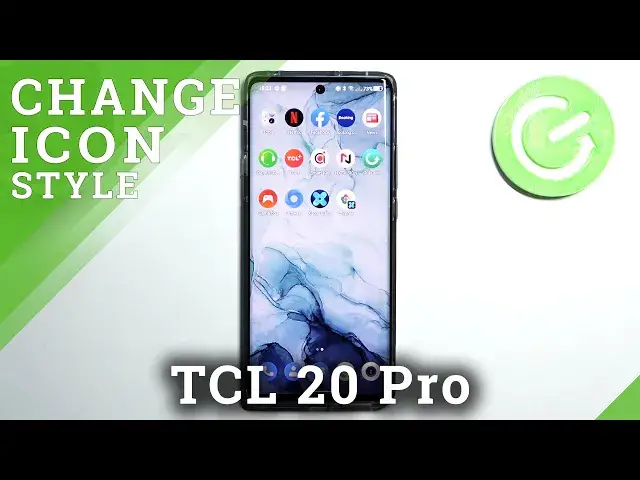

How to Change Shape of Icons in TCL 20 Pro - Use Icon Editor
Jul 8, 2024

Learn more info about TCL 20 PRO: https://www.hardreset.info/devices/tcl/tcl-20-pro-5g/
Did you know that you can Change Shape of Icons in TCL 20 Pro? It’s possible because of Icon Editor, after accessing it, you’ll be able to select your favorite shape and apply it successfully within minutes. All you need to do is stay with us, follow all instructions from the tutorial above, and Adjust your Icons however you want to. Let’s begin!
How to Change Icon in TCL 20 PRO? How to Change Icon Style in TCL 20 PRO? How to Change Icons Style in TCL 20 PRO? How to Change Icons in TCL 20 PRO? How to update Icon Shape in TCL 20 PRO? How to change Icon Look in TCL 20 PRO? How to Personalize TCL 20 PRO? How to Select Icon Look in TCL 20 PRO? How to Choose Icon Look in TCL 20 PRO?
#TCL20PRO #UseIconEditor #ChangeIconsShape
Follow us on Instagram ► https://www.instagram.com/hardreset.info
Like us on Facebook ► https://www.facebook.com/hardresetinfo/
Tweet us on Twitter ► https://twitter.com/HardResetI
Support us on TikTok ►https://tiktok.com/@hardreset.info
Use Reset Guides for many popular Apps ► https://www.hardreset.info/apps/apps/
Show More Show Less