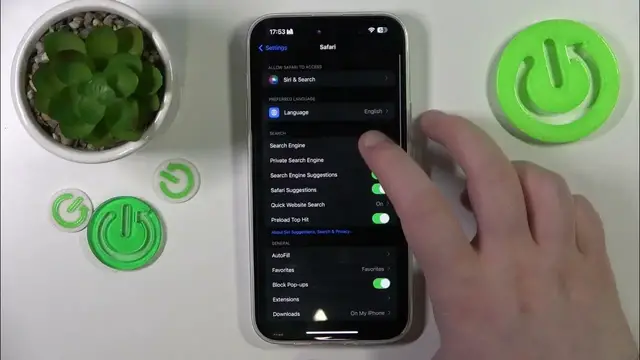

How To Change Search Engine In iPhone 15 Plus
Jan 19, 2024

Find out more about iPhone 15 Plus : https://www.hardreset.info/devices/apple/apple-iphone-15-plus/tutorials/
Learn how to customize your search experience on your iPhone 15 Plus by changing the default search engine. This tutorial guides you through the steps to switch to your preferred search provider.
How can I change the default search engine on my iPhone 15 Plus?
Why is it important to know how to change the search engine, and how can it enhance your browsing experience?
Can I choose from a variety of search engines, and are there considerations for privacy, features, and performance?
Are there specific settings for customizing search engine preferences, such as setting DuckDuckGo, Google, or others as the default?
How do I ensure that the selected search engine is successfully changed and functioning in Safari on the iPhone 15 Plus?
#iPhone15 #iPhone15plus #Apple
Follow us on Instagram ► https://www.instagram.com/hardreset.info
Like us on Facebook ► https://www.facebook.com/hardresetinfo/
Tweet us on Twitter ► https://twitter.com/HardResetI
Support us on TikTok ► https://www.tiktok.com/@hardreset.info
Use Reset Guides for many popular Apps ► https://www.hardreset.info/apps/apps/
Show More Show Less