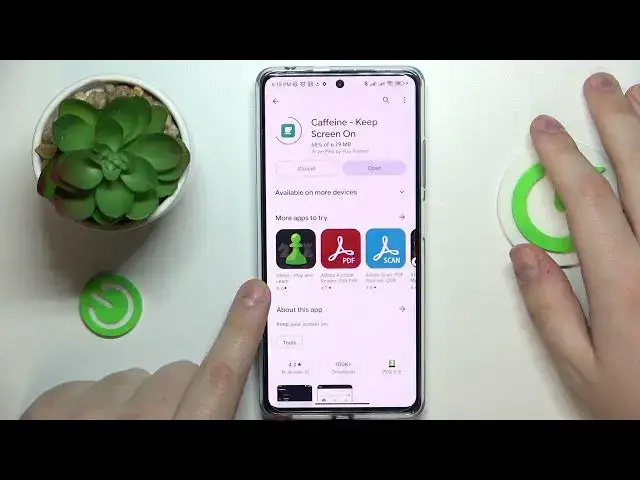

How to Change Screen Timeout to Never on Redmi Note 12 Pro+?
Jul 30, 2024

In this tutorial video, you will learn how to use the Caffeine app to change the screen timeout to "never" on your Redmi Note 12 Pro+ smartphone. The Caffeine app is a handy tool that can keep your screen on indefinitely without having to constantly touch it. Follow the step-by-step guide to download, install, and use the Caffeine app to customize your screen timeout settings and enjoy uninterrupted screen time on your device.
Check our website: https://www.hardreset.info/devices/redmi/redmi-note-12-pro-plus/tutorials/
How to Set Up Screen Timeout to Never on Redmi Note 12 Pro+? How to Get Infinite Screen Timeout on Redmi Note 12 Pro Plus?
#xiaomiredminote12proplus #redminote12proplus #xiaomi
Follow us on Instagram ► https://www.instagram.com/hardreset.info
Like us on Facebook ► https://www.facebook.com/hardresetinfo/
Tweet us on Twitter ► https://twitter.com/HardResetI
Support us on TikTok ► https://www.tiktok.com/@hardreset.info
Use Reset Guides for many popular Apps ► https://www.hardreset.info/apps/apps/
Show More Show Less