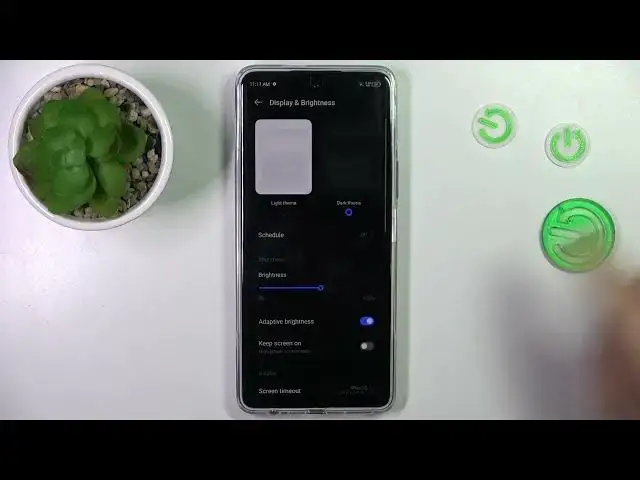

How to Change Screen Timeout on TECNO Pova 5 Pro?
Aug 5, 2024

Find out more info about TECNO Pova 5 Pro: https://www.hardreset.info/devices/tecno/tecno-pova-5-pro/tutorials/
This tutorial is your guide to customizing the screen timeout settings on your TECNO Pova 5 Pro smartphone. Adjusting the screen timeout duration is essential for balancing power conservation and user convenience. In this step-by-step guide, we will walk you through the process of changing the screen timeout on your TECNO Pova 5 Pro, ensuring that the display turns off according to your preferences.
What is screen timeout, and why would I want to change it on my TECNO Pova 5 Pro? Where can I access the screen timeout settings in the device's menus? Are there default screen timeout settings, and how long is the typical duration? Can I choose a specific time interval for the screen to turn off, or are there preset options? How does adjusting the screen timeout affect battery life and device usage? #ChangeScreentTimeout #ScreenTimeout #tecnopova5pro
Follow us on Instagram ► https://www.instagram.com/hardreset.info
Like us on Facebook ► https://www.facebook.com/hardresetinfo/
Tweet us on Twitter ► https://twitter.com/HardResetI
Support us on TikTok ► https://www.tiktok.com/@hardreset.info
Use Reset Guides for many popular Apps ► https://www.hardreset.info/apps/apps/
Show More Show Less