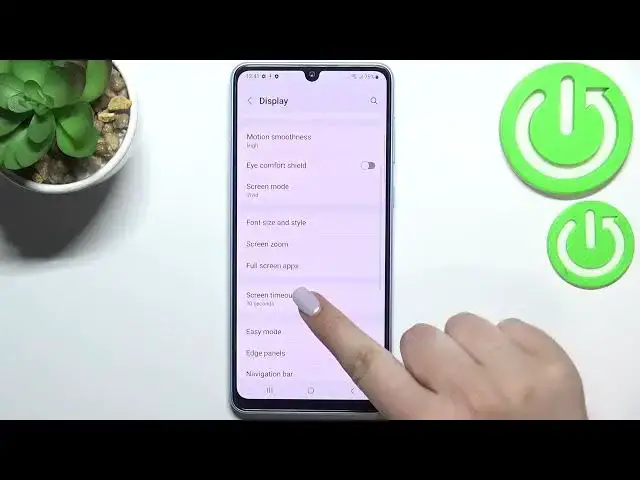

How to Change Screen Timeout in SAMSUNG Galaxy A33 – Find Screen Options
Jul 2, 2024

Learn more info about SAMSUNG Galaxy A33: https://www.hardreset.info/devices/samsung/samsung-galaxy-a33-5g/
If you’re wondering how to change the screen timeout in SAMSUNG Galaxy A33, then here we are coming with help! In this tutorial we would like to share with you how easily you can find proper screen settings, which will allow you to easily change the screen timeout. Thanks to this you’ll be able to decide if you want your device to blackout faster or slower. So let’s follow all shown steps and successfully change the screen timeout.
How to change timeout in SAMSUNG Galaxy A33? How to make timeout infinite in SAMSUNG Galaxy A33? How to change screen timeout in SAMSUNG Galaxy A33? How to pick infinite timeout in SAMSUNG Galaxy A33?
#ScreenTimeout #InfiniteTimeout #SAMSUNGGalaxyA33
Follow us on Instagram ► https://www.instagram.com/hardreset.info
Like us on Facebook ► https://www.facebook.com/hardresetinfo/
Tweet us on Twitter ► https://twitter.com/HardResetI
Support us on TikTok ► https://www.tiktok.com/@hardreset.info
Use Reset Guides for many popular Apps ► https://www.hardreset.info/apps
Show More Show Less