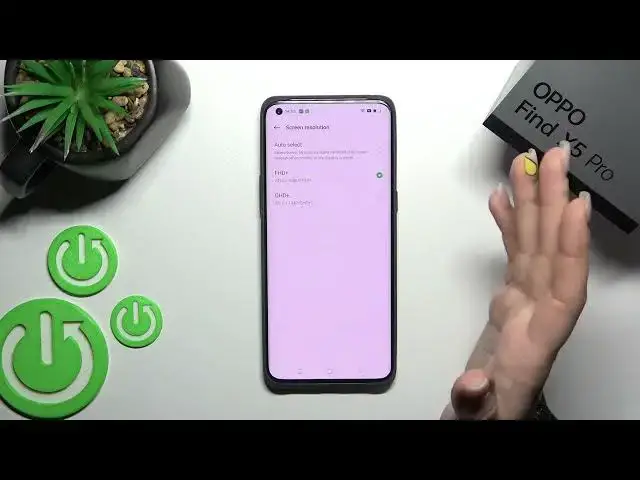

How to Change Screen Resolution on Oppo Find X5 Pro | Adjust Screen Resolution on Oppo Find X5 Pro
Jul 1, 2024

Check our website and learn more info about Oppo Find X5 Pro: https://www.hardreset.info/devices/oppo/oppo-find-x5-pro/
If you want to change the screen resolution on your Oppo Find X5 Pro, you should open this tutorial and follow our instructions. We'd like to show you how to open the display settings and then how to enter the screen resolution settings. You can manually change the resolution, but it may close apps currently running in the background. Decide if you want to set Smart Resolution to dynamically adjust the screen resolution to save power or if you want to set the low screen resolution to save power or choose the High resolution to maximum clarity.
How to change screen resolution on Oppo Find X5 Pro? How to set up screen resolution? How to manage screen resolution on Oppo Find X5 Pro? How to adjust the screen resolution in Oppo Find X5 Pro? How to set a high screen resolution on Oppo Find X5 Pro? How to set a low screen resolution on Oppo Find X5 Pro?
#OppoFindX5Pro #ScreenResolution #ChangeScreenResolution
Follow us on Instagram ► https://www.instagram.com/hardreset.info
Like us on Facebook ► https://www.facebook.com/hardresetinfo/
Tweet us on Twitter ► https://twitter.com/HardResetI
Support us on TikTok ► https://www.tiktok.com/@hardreset.info
Use Reset Guides for many popular Apps ► https://www.hardreset.info/apps/apps/
Show More Show Less