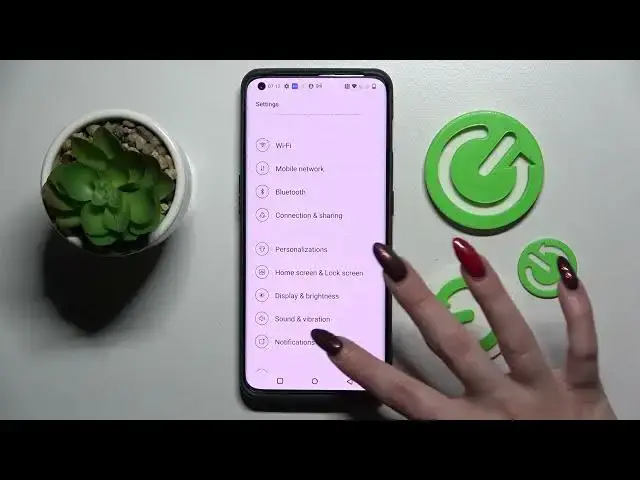

How to Change Screen Refresh Rate on OnePlus 10 Pro // Motion Smoothness
Apr 5, 2024

Learn more information about the OnePlus 10 Pro 5G:
https://www.hardreset.info/devices/oneplus/oneplus-10-pro-5g/
The Display settings on your OnePlus 10 Pro smartphone allow you to choose what screen refresh rate you would like to be using. There are 2 options: 60 Hz(Standard) and 120Hz(High). If you aim for a higher screen refresh rate, you will get smoother animations and a scrolling experience, at the same time if you want to significantly decrease the battery consumption, you want to choose the standard or lower value. Thus, if you would like to learn how to access screen refresh rate settings on the OnePlus 10 Pro device, we invite you to watch this video. Enjoy!
How to set a 120 Hz screen refresh rate on the OnePlus 10 Pro? How to set a higher screen refresh rate on the OnePlus 10 Pro? How to increase visual screen smoothness on the OnePlus 10 Pro? How to decrease the display refresh rate on the OnePlus 10 Pro? How to configure the screen refresh rate on the OnePlus 10 Pro?
#OnePlus10Pro #RefreshRate #OnePlusDisplay
Follow us on Instagram ► https://www.instagram.com/hardreset.info
Like us on Facebook ►
https://www.facebook.com/hardresetinfo/
Tweet us on Twitter ► https://twitter.com/HardResetI
Support us on TikTok ► https://www.tiktok.com/@hardreset.info
Use Reset Guides for many popular Apps ► https://www.hardreset.info/apps/apps/
Show More Show Less