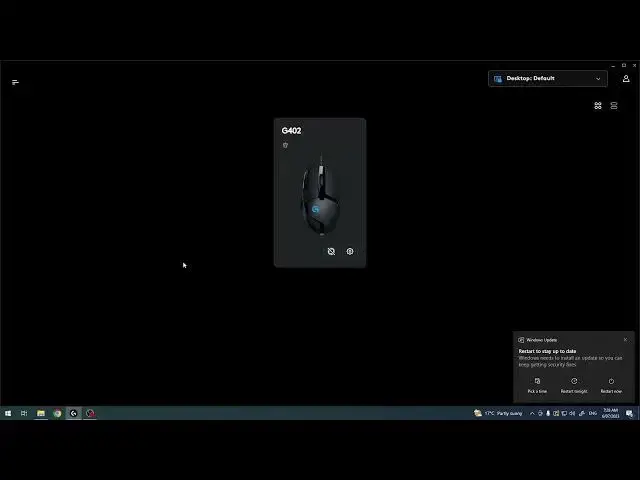

How To Change Report Rate Level On Logitech G402 Hyperion Fury | Pooling Rate
Aug 3, 2024

For More Tutorials Visit Our Website : https://www.hardreset.info
In this video tutorial, we will guide you through the process of changing the report rate level, also known as polling rate, on the Logitech G402 Hyperion Fury gaming mouse. The report rate refers to how often the mouse updates its position to the computer, and adjusting it can affect the responsiveness and smoothness of your mouse movements. We will show you how to access the Logitech G HUB software and navigate to the settings where you can modify the report rate.
Changing report rate on Logitech G402 Hyperion Fury
Modifying polling rate on G402 gaming mouse
Logitech G HUB software for report rate adjustment
How to adjust polling rate on G402 Hyperion Fury
Understanding mouse report rate and its impact
Increasing mouse responsiveness with higher polling rate
#Logitech #logitechgaming #logitechmouse
Follow us on Instagram ► https://www.instagram.com/hardreset.info
Like us on Facebook ► https://www.facebook.com/hardresetinfo/
Tweet us on Twitter ► https://twitter.com/HardResetI
Support us on TikTok ► https://www.tiktok.com/@hardreset.info
Use Reset Guides for many popular Apps ► https://www.hardreset.info/apps/apps/
Show More Show Less