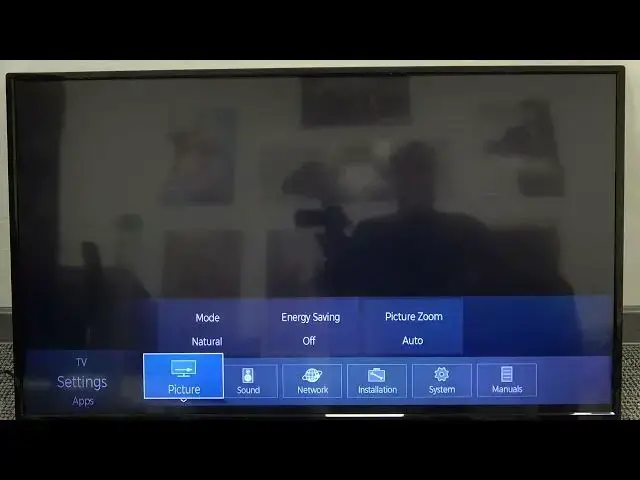

How to Change Picture Mode on TOSHIBA TV LED 4K 43" - Set Dynamic Picture Mode for Best Gaming
Apr 8, 2024

Discover more: https://www.hardreset.info/devices/toshiba/toshiba-43u7750/
In this video, I will show you how to switch between various picture modes on TOSHIBA TV LED 4K 43-inch. You need to open picture settings and there select picture mode. You can choose a balanced setting for more natural colors or dynamic mode for the best gaming experience when you are using Toshiba LED TV with PS5 or Xbox Series X.
Follow us on Instagram ► https://www.instagram.com/hardreset.info
Like us on Facebook ► https://www.facebook.com/hardresetinfo/
Tweet us on Twitter ► https://twitter.com/HardResetI
Support us on TikTok ► https://www.tiktok.com/@hardreset.info
Use Reset Guides for many popular Apps ► https://www.hardreset.info/apps/apps/
How to set cinema mode on Toshiba LED TV? How to use picture modes on Toshiba 4K 43-inch TV?
#toshiba4ktv #toshibatvsetup #toshibasmarttv
Show More Show Less