0:00
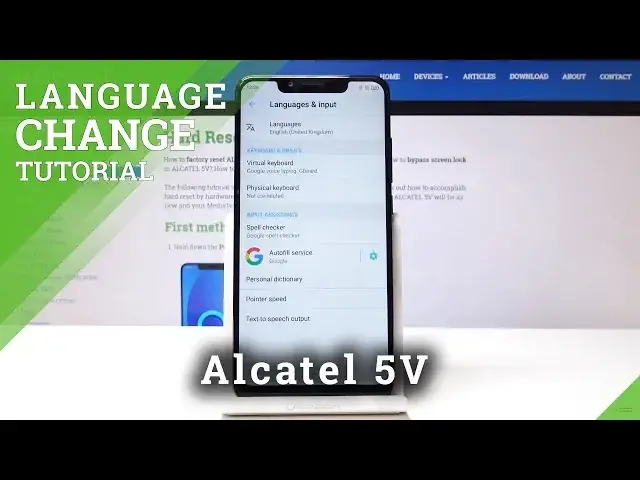
Here I've got Alcatel 5z and let me show you how to change language on the following device
0:11
So at first, let me open the list of all applications, then find and select the settings
0:17
Here scroll down to the very bottom of the list and pick system
0:21
Now we have to tap on languages and input, so it's the first tab and then go to languages
0:27
over here. To change the language you have to tap on add a language on the plus icon
0:33
And now you can select the one that you want to have on your device, on your Alcatel as
0:37
you can see. You have plenty of possibilities here, so let me pick for example Croatian
0:45
Now you have to tap on it and swipe it up to be on the first place
0:50
And from now on, let me go back. As you can see, everything is in Croatian
0:56
So all the apps, all the settings, everything is Croatian. If you would like to go back to the first language, to the default one, or if you would
1:05
like to change it one more time to some other, go to the system one more time, so it was
1:10
the very last icon and settings, then pick the first icon over here
1:19
One more time this one, the first one, and you can simply swipe up English or some other
1:24
language to the first place. And if you would like to delete Croatian permanently, tap on more icon over here, click on remove
1:32
Now select the one that you would like to delete, in my case it's Croatian, and tap
1:36
on bin icon. Confirm that you would like to delete it and that's it
1:41
As you can see now, you're just in the first default language, but you can obviously change
1:47
it to whichever language you prefer. So that's it. This is how you can easily change language in your Alcatel 5V
1:53
You can perform it whenever you need to, whenever you want to. Thank you for watching, please subscribe our channel and leave the thumbs up