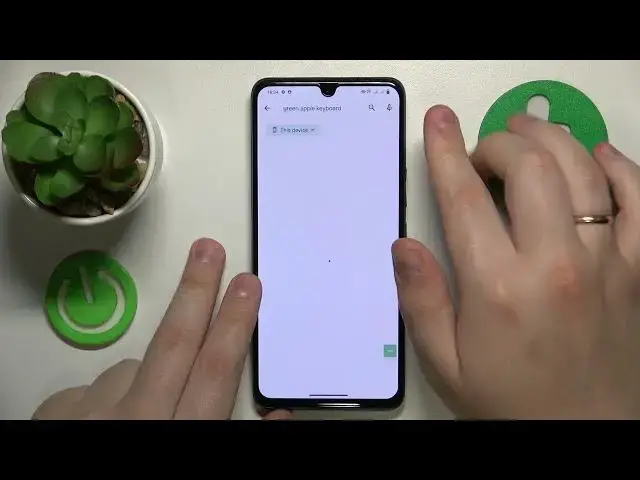

How to Change Keyboard in VIVO - Setting a Custom Keyboard
Mar 16, 2024

You are always welcome to visit our web portal to learn more about mobile devices and more: https://www.hardreset.info/
Are you tired of the default keyboard on your VIVO smartphone and want to switch to a different one? Look no further! In this easy-to-follow tutorial video, we'll walk you through the process of changing the default keyboard on your VIVO phone. Whether you prefer a different keyboard app or want to explore new features and customization options, we've got you covered. We'll guide you step-by-step on how to access the keyboard settings, choose a new keyboard app from the available options, and set it as your default keyboard. Say goodbye to the old and welcome the new with a keyboard that suits your style and enhances your typing experience. Don't forget to hit the like button, leave a comment, and subscribe for more helpful VIVO smartphone tutorials and tips!
How to modify the default keyboard on a VIVO smartphone? How to set up a custom keyboard in VIVO? How to select an alternative default keyboard on a VIVO mobile device?
#VIVOPhone #Keyboard #VIVOInput
Follow us on Instagram ► https://www.instagram.com/hardreset.info
Like us on Facebook ►
https://www.facebook.com/hardresetinfo/
Tweet us on Twitter ► https://twitter.com/HardResetI
Support us on TikTok ► https://www.tiktok.com/@hardreset.info
Use Reset Guides for many popular Apps ► https://www.hardreset.info/apps/apps/
Show More Show Less