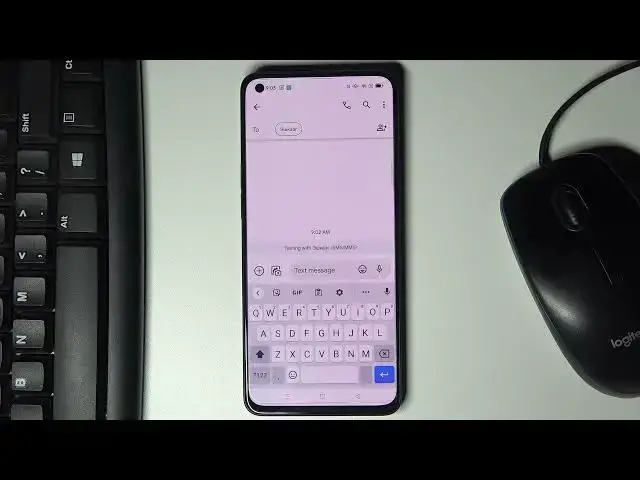

How to Change Keyboard Dictionary on OPPO Reno 6 5G – Reset Keyboard Dictionary
Apr 11, 2024

Check more info about OPPO Reno 6 5G:
https://www.hardreset.info/devices/oppo/oppo-reno6-5g/
Hi there! If you want to write messages on OPPO Reno 6 5G faster and more competently, then T9-feature will help you with this. You may not know how to set up auto text correction OPPO Reno 6 5G, so we have prepared this video for you. In attached video tutorial or Specialist will show and tell you how to Change Text Autocorrect feature on OPPO Reno 6 5G in just a few simple steps. For more information visit our HardReset.info YT channel and discover many useful tutorials for OPPO Reno 6 5G.
How to Reset Keyboard Dictionary on OPPO Reno 6 5G?
How to Fix Incorrect Autocorrect on OPPO Reno 6 5G?
How to Personalize Keyboard Dictionary on OPPO Reno 6 5G?
#KeyboardDictionary #KeyboardSettings #OppoKeyboard
Follow us on Instagram ► https://www.instagram.com/hardreset.info
Like us on Facebook ► https://www.facebook.com/hardresetinfo/
Tweet us on Twitter ► https://twitter.com/HardResetI
Support us on TikTok ► https://www.tiktok.com/@hardreset.info
Use Reset Guides for many popular Apps ► https://www.hardreset.info/apps/apps/
Show More Show Less