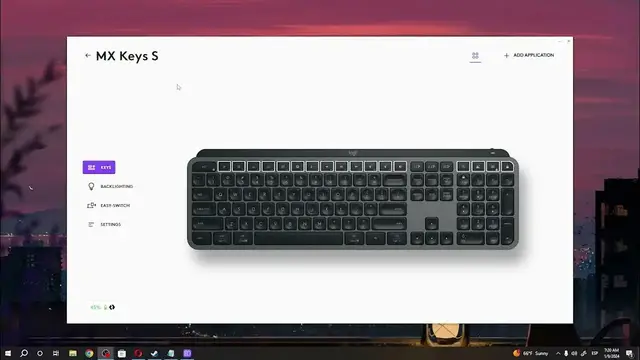

How To Change Key Mapping In Logitech MXKeys S
Jan 13, 2024

Find out more: https://www.hardreset.info
Unlock the full potential of your Logitech MX Keys S by learning how to change key mapping. This tutorial provides a step-by-step guide, ensuring you can customize your keyboard to suit your unique workflow and preferences. Whether you're a productivity enthusiast or a creative professional, this video is your key to mastering key mapping on the Logitech MX Keys S.
How can users easily change key mapping on their Logitech MX Keys S for a customized and efficient keyboard layout?
Are there specific controls or settings within the Logitech Options software dedicated to key mapping, and where are they located?
Can users create custom key mappings to streamline their workflow and enhance productivity?
#Logitech #logitechkeyboard #Keyboard
Follow us on Instagram ► https://www.instagram.com/hardreset.info
Like us on Facebook ► https://www.facebook.com/hardresetinfo/
Tweet us on Twitter ► https://twitter.com/HardResetI
Support us on TikTok ► https://www.tiktok.com/@hardreset.info
Use Reset Guides for many popular Apps ► https://www.hardreset.info/apps/apps/
Show More Show Less