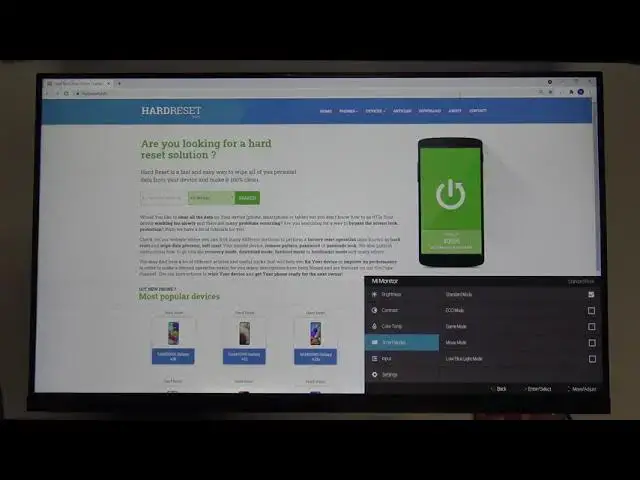

How to Change Input Source on XIAOMI Mi Desktop Monitor 1C - Switch Between HDMI and VGA On Xiaomi
Jul 11, 2024

Check out more: https://www.hardreset.info/tv/xiaomi/
This video will show you how to choose the right input source on XIAOMI Mi Desktop Monitor 1C. Just enter XIAOMI Mi Desktop Monitor 1C settings and go to the Input. There you will need to choose either HDMI or VGA.
Follow us on Instagram ► https://www.instagram.com/hardreset.info
Like us on Facebook ► https://www.facebook.com/hardresetinfo/
Tweet us on Twitter ► https://twitter.com/HardResetI
Support us on TikTok ► https://www.tiktok.com/@hardreset.info
Use Reset Guides for many popular Apps ► https://www.hardreset.info/apps/apps/
#xiaomimidesktopmonitor #hardresetinfo #imeiinfo
How to Change Input Source in XIAOMI Mi Desktop Monitor 1C? How to Adjust Input Source in XIAOMI Mi Desktop Monitor 1C? How to Link Input Source in XIAOMI Mi Desktop Monitor 1C?
Show More Show Less