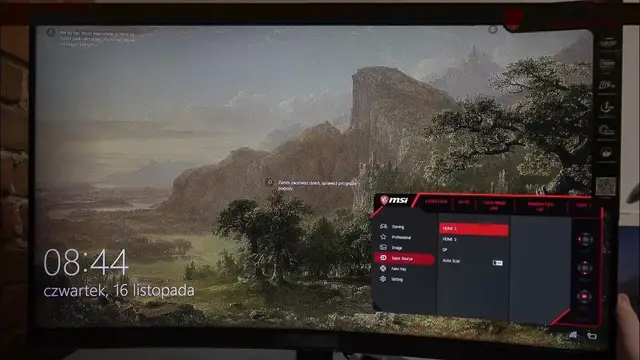

How To Change Input Source On Monitor MSI G32C4
Jan 18, 2024

Find Out More On Our Website : https://www.hardreset.info/
Effortlessly switch between input sources on your MSI G32C4 monitor with this step-by-step guide. Whether you're connecting multiple devices or toggling between different sources, mastering the input source change will enhance your user experience. Discover the convenience of seamless transitions and unlock the full potential of your monitor's versatility.
How to change the input source on the MSI G32C4 monitor?
Understanding the benefits of multiple input sources.
Troubleshooting common issues during input source changes.
Switching between HDMI, DisplayPort, and other inputs.
Tips for optimizing display settings for each input source.
Does changing the input source affect screen resolution?
#MSIG32C4 #MSI #msigaming
Follow us on Instagram ► https://www.instagram.com/hardreset.info
Like us on Facebook ► https://www.facebook.com/hardresetinfo/
Tweet us on Twitter ► https://twitter.com/HardResetI
Support us on TikTok ► https://www.tiktok.com/@hardreset.info
Use Reset Guides for many popular Apps ► https://www.hardreset.info/apps/apps/
Show More Show Less