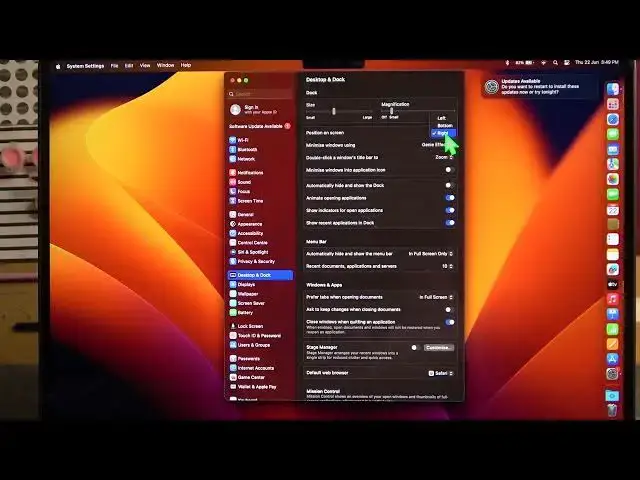

How To Change Dock Position On Macbook Air M2 2023
Aug 2, 2024

For More Easy Tutorial About MacBook Air Visit Our Website ! https://www.hardreset.info/devices/apple/apple-macbook-air-13/faq/admin-page/admin-page/
The dock on your MacBook Air M2 (2023) provides quick access to your favorite apps and frequently used files. By default, the dock is positioned at the bottom of the screen, but did you know you can change its position?
How do I change the dock position on MacBook Air M2 2023?
Can I move the dock to the left or right side of the screen?
What are the benefits of changing the dock position on MacBook Air M2?
Is it possible to hide the dock completely on MacBook Air M2?
Will changing the dock position affect my workflow or app accessibility?
How can I revert the dock to its default position on MacBook Air M2?
#macbookairm2 #macbookair #macbook
Follow us on Instagram ► https://www.instagram.com/hardreset.info
Like us on Facebook ►
https://www.facebook.com/hardresetinfo/
Tweet us on Twitter ► https://twitter.com/HardResetI
Support us on TikTok ► https://www.tiktok.com/@hardreset.info
Use Reset Guides for many popular Apps ►
Show More Show Less