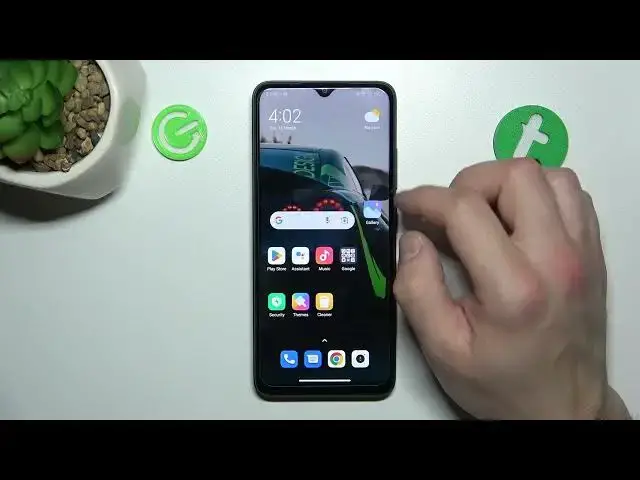

How to Change Display Brightness Level on Xiaomi Redmi A1+ / Adjust Screen Brightness Redmi A1 Plus
Jul 28, 2024

You can find more tutorials for your Xiaomi Redmi A1 Plus smartphone on our website:
https://www.hardreset.info/devices/xiaomi/xiaomi-redmi-a1-plus/tutorials/
Hello everyone! In today's video, we will be showing you how to easily adjust the screen brightness on your Xiaomi Redmi A1+ smartphone. You can customize the brightness level based on your preferences, whether it's for better visibility in low-light environments or to conserve battery life. We will guide you through the steps to locate and adjust the brightness level, so you can easily control the screen brightness on your device. Don't miss out on this useful tutorial - watch the video now and make the most out of your Xiaomi Redmi A1+ smartphone. And don't forget to subscribe to our channel for more helpful tips and tricks!
How to manually change the brightness level on Xiaomi Redmi A1+?
How to change the screen brightness on Xiaomi Redmi A1+?
How to adjust the screen brightness level on Xiaomi Redmi A1+?
How to increase the display brightness level on Xiaomi Redmi A1+?
#redmia1plus #xiaomiredmia1plus #brightnesslevel
Follow us on Instagram ► https://www.instagram.com/hardreset.info
Like us on Facebook ► https://www.facebook.com/hardresetinfo/
Tweet us on Twitter ► https://twitter.com/HardResetI
Support us on TikTok ► https://www.tiktok.com/@hardreset.info
Use Reset Guides for many popular Apps ► https://www.hardreset.info/apps/apps/
Show More Show Less