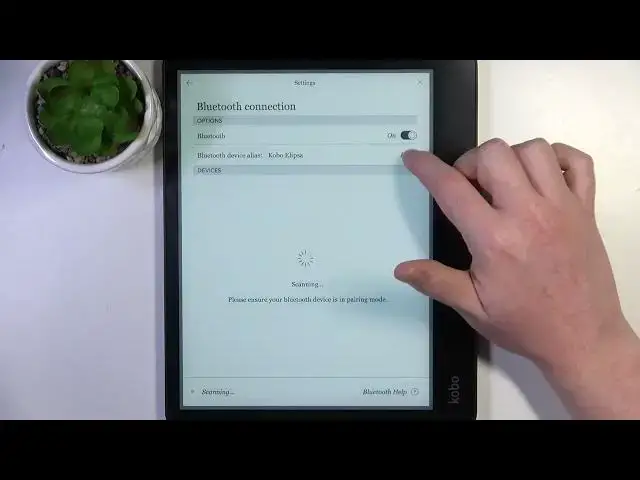

How to Change Device Name on Rakuten Kobo Elipsa
Aug 4, 2024

Visit Our Website For More Information : https://www.hardreset.info
Make your Rakuten Kobo Elipsa eReader uniquely yours by customizing its device name. This step-by-step tutorial will guide you through the process of changing the device name on your Elipsa, allowing you to personalize it to your liking. Whether you want to give your eReader a distinct identity or simply make it more recognizable, this guide has you covered.
How to change the device name on Rakuten Kobo Elipsa.
Why would I want to change my eReader's name?
Can I use special characters or emojis in the device name?
Does changing the device name affect its performance?
How often can I change the device name?
Troubleshooting if you can't change the device name.
Changing the device name for Wi-Fi network identification.
Will changing the name affect my eBooks or annotations?
Can I revert to the original device name?
#Rakuten #Kobo #ereader
Follow us on Instagram ► https://www.instagram.com/hardreset.info
Like us on Facebook ► https://www.facebook.com/hardresetinfo/
Tweet us on Twitter ► https://twitter.com/HardResetI
Support us on TikTok ► https://www.tiktok.com/@hardreset.info
Use Reset Guides for many popular Apps ► https://www.hardreset.info/apps/apps/
Show More Show Less