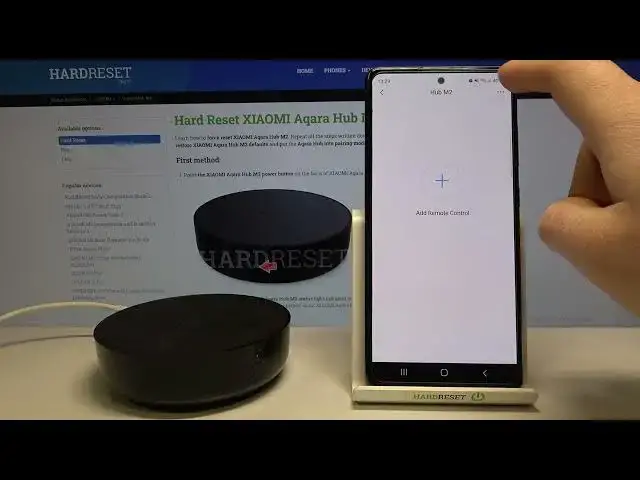

How to Change Device Name for AQARA Smart Home Sensors, Hubs, Cameras and Thermometers in Mobile app
Apr 7, 2024

Find Out More: https://www.hardreset.info/devices/xiaomi/xiaomi-aqara-hub-m2/
In this video, I will show you how to set any name for the device in the AQARA Smart Home app. For example, if you are using a few hubs, you can easily set a different name for every one of them to recognize them in-app and know which one is sending you alarm notifications. Follow us on Instagram ► https://www.instagram.com/hardreset.info
Like us on Facebook ► https://www.facebook.com/hardresetinfo/
Tweet us on Twitter ► https://twitter.com/HardResetI
Support us on TikTok ► https://www.tiktok.com/@hardreset.info
Use Reset Guides for many popular Apps ► https://www.hardreset.info/apps/apps/
How to change the device name in the AQARA Smart Home app? How to switch the Xiaomi AQARA Water Leak Sensor name in app?
#xiaomiaqara #aqarahubm2 #aqarasmarthome
Show More Show Less