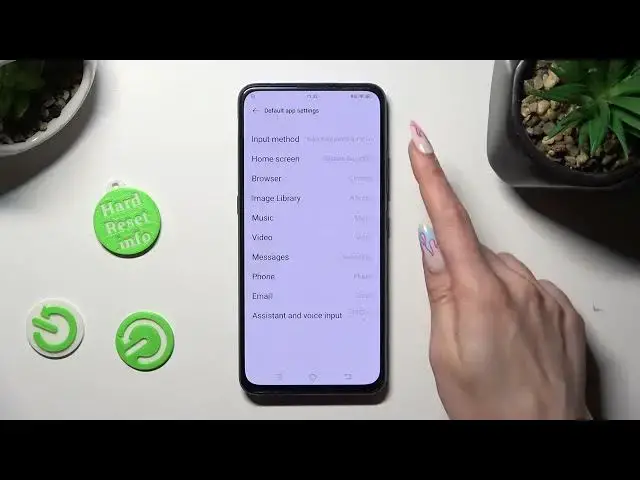

How to Change Default Apps on VIVO V15 Pro? - Set Preferred Apps
Aug 3, 2024

Learn more about VIVO V15 Pro
https://www.hardreset.info/devices/vivo/vivo-v15-pro/tutorials/
Our tutorial will show you how to change your VIVO V15 Pro's default apps. Our specialist will guide you through the process of accessing the app settings, finding the default apps section, and selecting your preferred apps for various functions and file types. Changing your device's default apps allows you to use the apps you choose to open links, play media, and perform other tasks. Check out our dedicated YouTube channel for VIVO V15 Pro for detailed instructions and additional tips.
How to set default apps on VIVO V15 Pro?
How to change app associations on VIVO V15 Pro?
How to select preferred apps for specific tasks on VIVO V15 Pro?
How to customize app settings and defaults on VIVO V15 Pro?
#DefaultApps #PreferredApps #VIVOV15Pro
Follow us on Instagram ► https://www.instagram.com/hardreset.info
Like us on Facebook ► https://www.facebook.com/hardresetinfo/
Tweet us on Twitter ► https://twitter.com/HardResetI
Support us on TikTok ► https://www.tiktok.com/@hardreset.info
Use Reset Guides for many popular Apps ► https://www.hardreset.info/apps/apps/
Show More Show Less