0:00
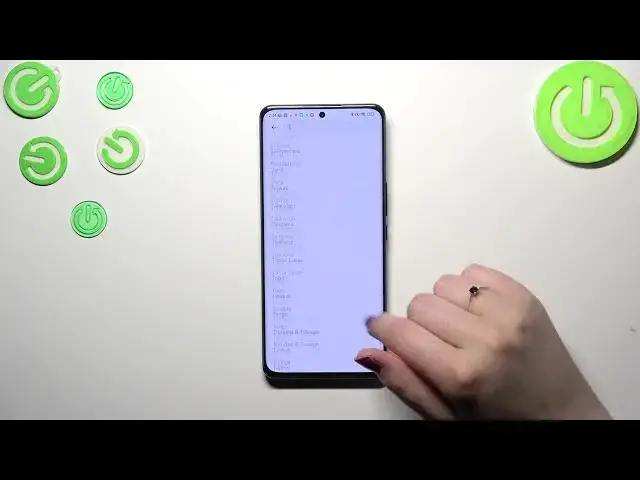
Hi everyone, in front of me I've got Xiaomi 12s and let me share with you how to change date and time on this device
0:12
So first of all let's enter the settings and then scroll down to find the special features or additional settings, additional settings
0:22
Then let's tap on date and time and as you can see here we've got some options connected with a date and time obviously
0:28
However we cannot customize them. It is because we are using the time and the timezone set automatically
0:34
They are network based. So first of all we have to turn off both of those options to be allowed to manually change the date
0:42
And as you can see right now we can freely tap on it, scroll and confirm it with OK. It will be immediately changed
0:50
And the same situation with the time. Just scroll, pick the time you want to use and confirm it
0:55
As you can see it will immediately also appear on the status bar. What is more we've got the timezone here
1:01
We can check it, change it. Let's tap on the region and you will be transferred to all available ones
1:07
So just find yours and tap on it. Let me pick Senegal for example. It will be immediately applied also
1:12
And be aware that after changing the timezone the time will also change according to it. Remember about that. It's quite normal
1:19
You can use location to set the timezone. If you want you can turn it off of course
1:23
You can also customize the time format. So if you don't like the automatic one which is based on the system language you can always change it
1:31
So you can pick between the 12 and the 24 hour time. So just tap on the one you'd like to set
1:36
What is more we've got the dual clock. So we can turn it on or off just by using the switcher
1:42
And basically we can decide by using the dual clock you will see two different clocks
1:47
The first one with a time from the place where you're currently in and the second one from any other place in the world of your choice
1:56
As you can see you can pick the second clock. In my case it is Warsaw but it can be whatever
2:02
Basically it can be Armenia, Bolivia, Canada etc. So as you can see it's quite useful
2:10
Yeah so basically this is it. This is how to manually customize the date and time
2:15
Of course you can go back to all previous settings just by using those switchers here
2:21
Alright so basically that's all. This is how to customize the date and time in your Xiaomi 12s
2:27
Thank you so much for watching. I hope that this video was helpful and if it was please hit the subscribe button and leave the thumbs up