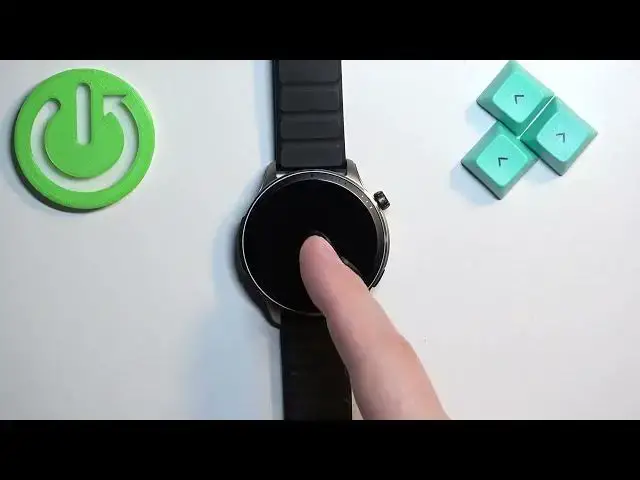

How to Change Date and Time Format on AMAZFIT GTR 4
Jul 27, 2024

Find out more info about XIAOMI Amazfit GTR 4 at: https://www.hardreset.info/devices/xiaomi/xiaomi-amazfit-gtr-4/
Hi! Today we would like to show you how to change the date and time format on your AMAZIFIT GTR 4. Follow our steps and set the current date and change the time format from 12 hours to 24 hours. Visit our YouTube channel if you want to know more about AMAZFIT GTR 4.
How to change date and time on AMAZFIT GTR 4? How to adjust date and time on AMAZFIT GTR 4? How to set up date and time on AMAZFIT GTR 4?
#ChangeDateAndTime #AdjustDateAndTime #AMAZFITGTR4
Follow us on Instagram ► https://www.instagram.com/hardreset.info
Like us on Facebook ► https://www.facebook.com/hardresetinfo/
Tweet us on Twitter ► https://twitter.com/HardResetI
Support us on TikTok ► https://www.tiktok.com/@hardreset.info
Use Reset Guides for many popular Apps ► https://www.hardreset.info/apps/apps/
Show More Show Less