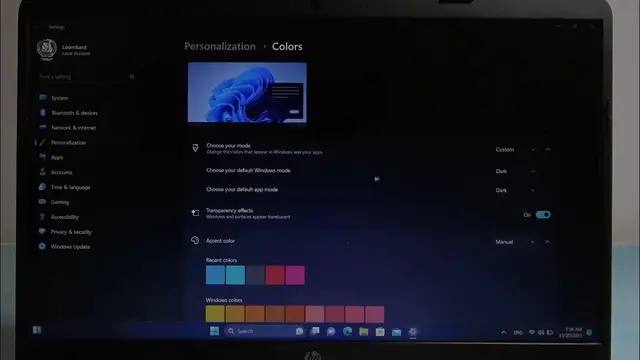

How To Change Dark & Light Mode On HP 250 G8
Jan 18, 2024

Find out more : https://www.hardreset.info
Personalize your visual interface on the HP 250 G8 by learning how to change between dark and light modes. Whether you prefer a sleek dark theme for reduced eye strain or a bright, light mode for a fresh look, adjusting the mode enhances the overall aesthetics. Follow the steps below to efficiently customize the dark and light mode on the HP 250 G8.
How do I change between dark and light mode on the HP 250 G8?
Can I schedule dark mode activation on the HP 250 G8?
What impact does using dark mode have on overall system performance on the HP 250 G8?
#hpprinter #Printer #printing
Follow us on Instagram ► https://www.instagram.com/hardreset.info
Like us on Facebook ► https://www.facebook.com/hardresetinfo/
Tweet us on Twitter ► https://twitter.com/HardResetI
Support us on TikTok ► https://www.tiktok.com/@hardreset.info
Use Reset Guides for many popular Apps ► https://www.hardreset.info/apps/apps/
Show More Show Less