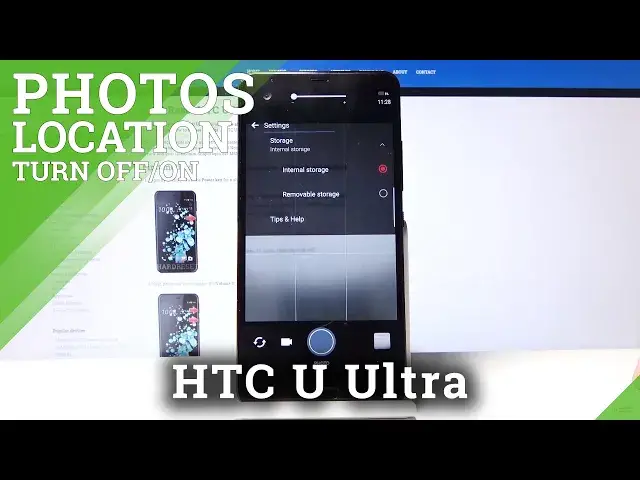

How to Change Camera Storage Location – Default Photo Storage on HTC U Ultra
Jul 15, 2024

Learn more info about HTC U Ultra: https://www.hardreset.info/devices/htc/htc-u-ultra/
Our video guide will help you to use your Memory Card on HTC U Ultra as a Default Camera Photos Storage. Repeat all shown keys combinations from the video above and change the Camera Settings correctly so that all your photos are automatically saved to the SD Card. Did you like our video? Leave a comment below and share your opinion with us!
How to Change Camera Storage Location on HTC U Ultra? How to Change Default Photo Storage on HTC U Ultra? How to Use SD Card as Default Photo Storage on HTC U Ultra? How to Choose another Location of Photos Storage on HTC U Ultra? How to Save Photos on the SD Card on HTC U Ultra? How to Make SD Card a Camera Photos Storage on HTC U Ultra?
Follow us on Instagram ► https://www.instagram.com/hardreset.info/
Like us on Facebook ► https://www.facebook.com/hardresetinfo/
Tweet us on Twitter ► https://twitter.com/HardresetI/
Show More Show Less