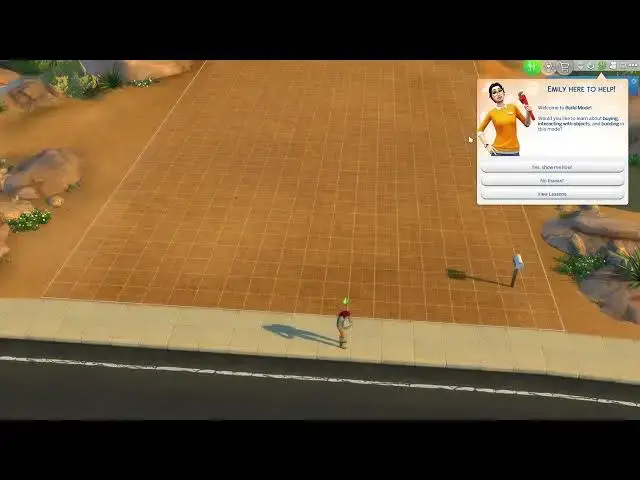

How To Change Between Building & Live Mode In The Sims 4
Aug 9, 2024

Find out more : https://www.hardreset.info/
In this tutorial, we'll explore how to change between building mode and live mode in The Sims 4, allowing you to seamlessly switch between designing and playing your Sims' homes and lives. Building mode enables you to construct and furnish houses, while live mode lets you control your Sims and experience their day-to-day activities. Knowing how to switch between these modes efficiently is essential for creating and managing your Sims' worlds effectively. We'll guide you through the steps to toggle between building and live mode effortlessly, ensuring a smooth and enjoyable gameplay experience in The Sims 4.
What are building mode and live mode in The Sims 4, and how do they differ?
Why is it important to know how to switch between building and live mode while playing the game?
Can you explain the process of changing between building and live mode in The Sims 4?
Are there any shortcuts or tips for quickly toggling between these modes?
How does switching between building and live mode contribute to the overall gameplay experience in The Sims 4?
#thesims4 #TheSims #sims4
Follow us on Instagram ► https://www.instagram.com/hardreset.info
Like us on Facebook ► https://www.facebook.com/hardresetinfo/
Tweet us on Twitter ► https://twitter.com/HardResetI
Support us on TikTok ► https://www.tiktok.com/@hardreset.info
Use Reset Guides for many popular Apps ► https://www.hardreset.info/apps/apps/
Show More Show Less