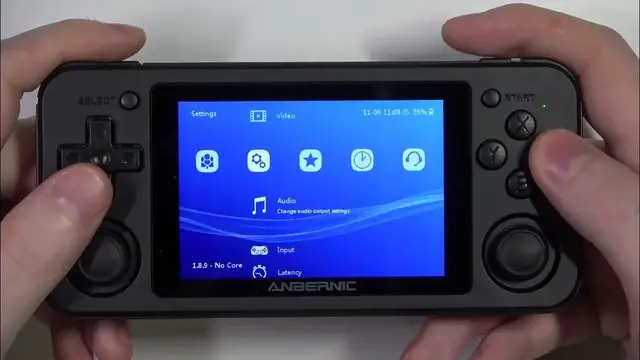

How To Change Audio Resample Quality In Whatsko Anbernic RG351P
Jan 19, 2024

Find out more on our website : https://www.hardreset.info/
Immerse yourself in an unparalleled audio experience on the Whatsko Anbernic RG351P by mastering the art of changing audio resample quality. This in-depth guide empowers you to fine-tune audio settings, ensuring that every sound is crystal clear and resonates with precision. Elevate your gaming sessions and multimedia playback by exploring the intricacies of adjusting audio resample quality. Unlock the full potential of your RG351P device and customize audio settings to suit your preferences, creating an immersive auditory landscape for your favorite games, music, and videos.
What is audio resample quality, and how does it affect audio output on the RG351P?
Step-by-step guide on changing audio resample quality settings for an enhanced audio experience.
The significance of optimizing audio resample quality for different types of content.
Recommended settings for achieving the best audio clarity and fidelity on the RG351P.
Real-time customization of audio resample quality for specific game genres or media playback.
Troubleshooting common issues related to audio resample quality adjustments.
Exploring the impact of audio resample quality on different emulators or media players.
#anbernicgaming #Anbernic #anbernicrg35xx
Follow us on Instagram ► https://www.instagram.com/hardreset.info
Like us on Facebook ► https://www.facebook.com/hardresetinfo/
Tweet us on Twitter ► https://twitter.com/HardResetI
Support us on TikTok ► https://www.tiktok.com/@hardreset.info
Use Reset Guides for many popular Apps ► https://www.hardreset.info/apps/apps/
Show More Show Less