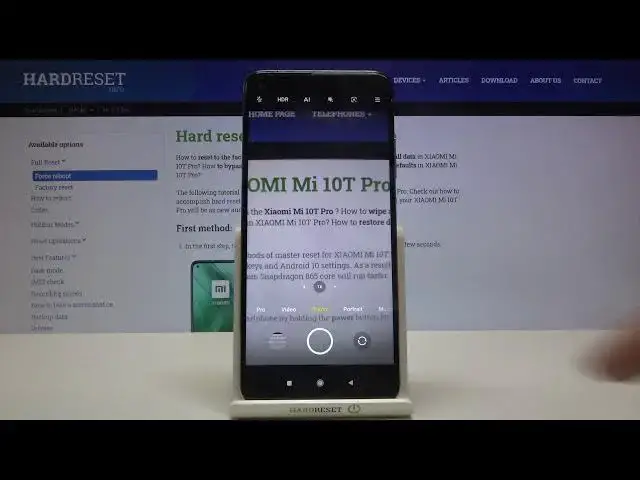

How to Change Aspect Ratio in XIAOMI Mi 10T – Height to Length Photo Ratio
Apr 23, 2024

Learn more info about XIAOMI Mi 10T: https://www.hardreset.info/devices/xiaomi/xiaomi-mi-10t/
Are you wondering how to change the shape of photos which you take with XIAOMI Mi 10T? In this video we’d like to share with you how easily you can find proper camera settings attached to the photo and how to change the ratio. Thanks to this the camera shape will change depends which option you’ll choose, it will look like square, rectangle or will be elongated to the full screen. So let’s follow all shown steps and successfully change aspect ratio.
How to change aspect ratio in XIAOMI Mi 10T? How to adjust camera aspect ratio in XIAOMI Mi 10T? How to personalize Huawei camera’s aspect ratio? How to configure aspect ratio in XIAOMI Mi 10T? How to open camera settings in XIAOMI Mi 10T? How to set up camera in XIAOMI Mi 10T?
Follow us on Instagram ► https://www.instagram.com/hardreset.info
Like us on Facebook ► https://www.facebook.com/hardresetinfo/
Tweet us on Twitter ► https://twitter.com/HardResetI
Show More Show Less