
How to Change Aspect Ratio in VIVO Y70 – Customize Aspect Ratio
Apr 24, 2024

Learn more info about VIVO Y70:
https://www.hardreset.info/devices/vivo/vivo-y70/
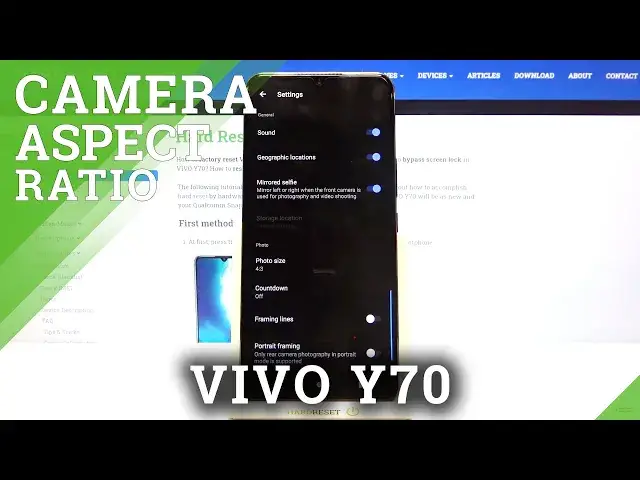
Today we will show you how to change the aspect ratio in the camera app in VIVO Y70. So, follow our instructions, go to the camera app and open the standard photo mode. In the next step, you should enter the settings and there find the photo size option. We will show you how to manage the aspect ratio in this camera and we will test each aspect ratio so that you can see how the camera screen will change and how the quality of the photos will change too.
How to change aspect ratio in VIVO Y70? How to adjust camera aspect ratio in VIVO Y70? How to personalize VIVO Y70 camera’s aspect ratio? How to configure aspect ratio in VIVO Y70? How to open camera settings in VIVO Y70? How to set up camera in VIVO Y70? How to change size of photo in VIVO Y70? How to change size of photos in VIVO Y70?
Follow us on Instagram ► https://www.instagram.com/hardreset.info
Like us on Facebook ► https://www.facebook.com/hardresetinfo/
Tweet us on Twitter ► https://twitter.com/HardResetI
Show More Show Less