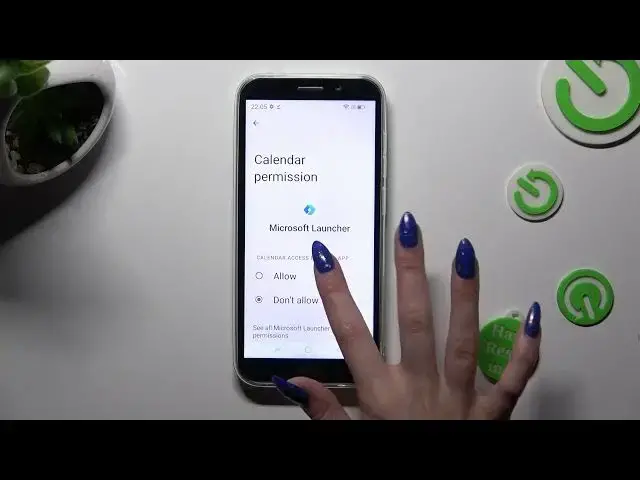

How to Change Apps Permissions on DOOGEE X97 PRO – Manage Apps Permissions
Mar 18, 2024

Check more info about DOOGEE X97 PRO:
https://www.hardreset.info/devices/doogee/doogee-x97-pro/tutorials/
Hi there! Take control of your DOOGEE X97 PRO by managing app permissions and ensuring your privacy and security. With app permissions, you can choose which permissions you want to grant or deny to individual apps on your device. You can then enable or disable specific permissions according to your preference. By managing app permissions, you can restrict access to sensitive data, such as your camera, microphone, or location, giving you more control over your privacy and ensuring the security of your DOOGEE X97 PRO. For more useful tutorials on how to get the most out of your DOOGEE X97 PRO, check out our HardReset.info YT channel.
How to Switch Permissions on DOOGEE X97 PRO?
How to Manage Permissions on DOOGEE X97 PRO?
How to Apply Permissions on DOOGEE X97 PRO?
#ChangeAppPermissions #ManagePermissions #DOOGEEX97PRO
Follow us on Instagram ► https://www.instagram.com/hardreset.info
Like us on Facebook ► https://www.facebook.com/hardresetinfo/
Tweet us on Twitter ► https://twitter.com/HardResetI
Support us on TikTok ► https://www.tiktok.com/@hardreset.info
Use Reset Guides for many popular Apps ► https://www.hardreset.info/apps/apps/
Show More Show Less