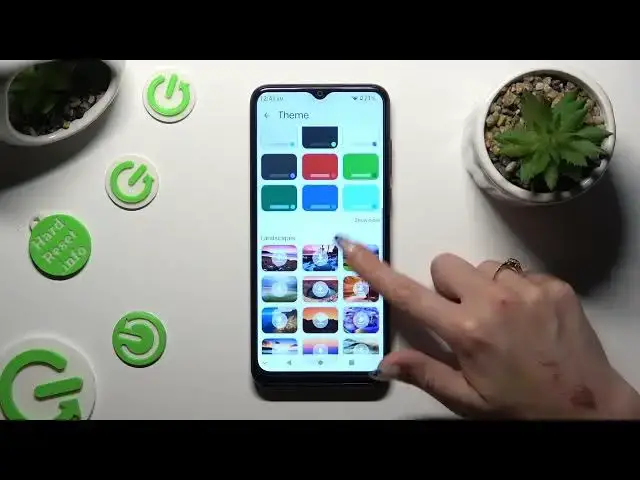

How to Change and Customize Keyboard Theme on ZTE Blade A53+ - Gboard
Aug 4, 2024

Find out more about ZTE Blade A53+:
https://www.hardreset.info/devices/zte/zte-blade-a53-plus/tutorials/
Hi there! We're happy to help you learn how to make your ZTE Blade A53+ keyboard look different. First, we'll show you how to open the Gboard app. Then, we'll explain how to pick a new theme for your keyboard and put it on. You can also customize it to your preferences. Thanks for watching our video guide, and we really appreciate your support! If you want to know more about your ZTE Blade A53+, visit our YouTube channel.
How to change the keyboard theme on ZTE Blade A53+? How to use Gboard to set and customize a new keyboard theme in ZTE Blade A53+? How to open Gboard on ZTE Blade A53+?
#KeyboardTheme #Gboard #ZTEBladeA53Plus
Follow us on Instagram ► https://www.instagram.com/hardreset.info
Like us on Facebook ► https://www.facebook.com/hardresetinfo/
Tweet us on Twitter ► https://twitter.com/HardResetI
Support us on TikTok ► https://www.tiktok.com/@hardreset.info
Use Reset Guides for many popular Apps ► https://www.hardreset.info/apps/apps/
Show More Show Less #Beauty & Fitness
#Software
#Hobbies & Leisure
#Skins, Themes & Wallpapers