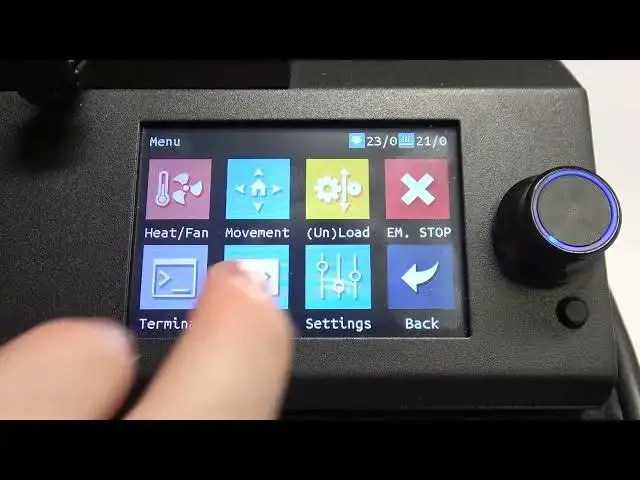

How To Change ABL Parameters BIQU B1
Mar 15, 2024

For More Information Visit Our Website : https://www.hardreset.info
In this comprehensive tutorial video, we walk you through the process of changing the ABL (Automatic Bed Leveling) parameters on the BIQU B1 3D printer. ABL is a crucial feature that ensures the print bed is leveled accurately, resulting in improved print quality and adherence.
Changing ABL parameters on BIQU B1 3D printer
How to adjust ABL settings on BIQU B1
Modifying ABL parameters on BIQU B1
Step-by-step guide to change ABL parameters on BIQU B1
Accessing ABL parameters menu on BIQU B1
Fine-tuning probe offset, probing speed, and probing points on BIQU B1
Customizing ABL parameters for accurate bed leveling on BIQU B1
Optimizing first layer adhesion with adjusted ABL settings on BIQU B1
#BIQU #3dprinter #3dprinting
Follow us on Instagram ► https://www.instagram.com/hardreset.info
Like us on Facebook ► https://www.facebook.com/hardresetinfo/
Tweet us on Twitter ► https://twitter.com/HardResetI
Support us on TikTok ► https://www.tiktok.com/@hardreset.info
Use Reset Guides for many popular Apps ► https://www.hardreset.info/apps/apps/
Show More Show Less