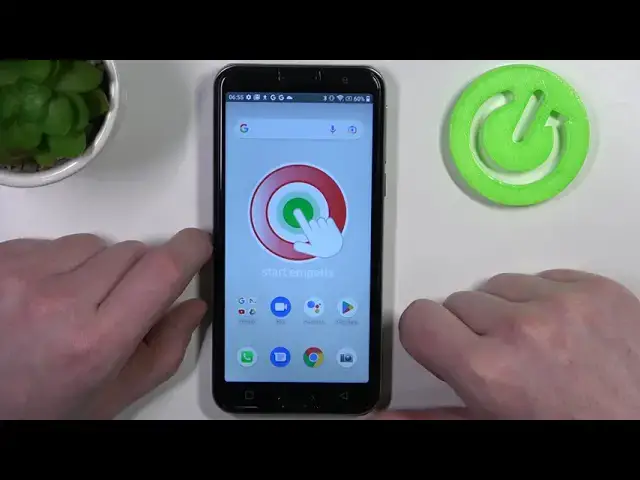

How to Call Emergency in UK with Emporia Smart 5 – Make Emergency Call
Mar 20, 2024

Check more info about Emporia Smart 5:
https://www.hardreset.info/devices/emporia/emporia-smart5/tutorials/
Hey Everyone! If you're in the UK and need to call for emergency assistance using your Emporia Smart 5, there are a few simple steps you can take. First, ensure that your phone is turned on and has signal. Then, locate the keypad on your phone and press the "0" key to unlock it. Dial "999" or "112" and press the call button. Wait for the operator to answer and then clearly state the nature of your emergency and provide your location. Follow their instructions and remain on the line until they tell you it's safe to hang up. Remember to stay calm and provide as much information as possible to assist the emergency services in responding to your call. For more useful tutorials on how to get the most out of your Emporia Smart 5, check out our HardReset.info YT channel.
How to Call Emergency in United Kingdom from Emporia Smart 5?
How to Call Emergency from Emporia Smart 5 to UK?
What is Emergency Number in United Kingdom?
#EmergencyCall #EmergencyCalling #EmporiaSmart5
Follow us on Instagram ► https://www.instagram.com/hardreset.info
Like us on Facebook ► https://www.facebook.com/hardresetinfo/
Tweet us on Twitter ► https://twitter.com/HardResetI
Support us on TikTok ► https://www.tiktok.com/@hardreset.info
Use Reset Guides for many popular Apps ► https://www.hardreset.info/apps/apps/
Show More Show Less