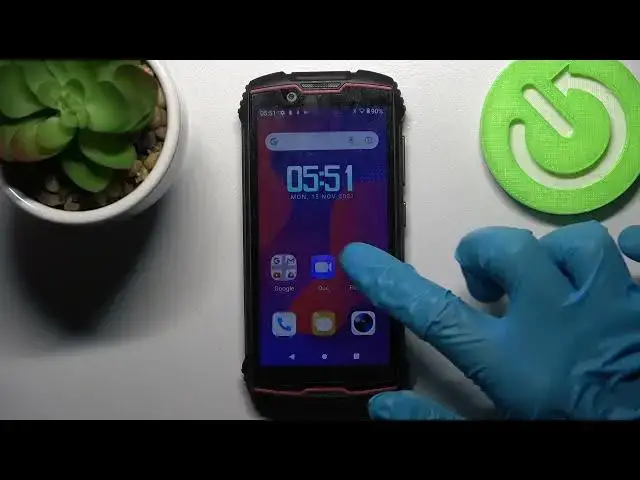

How to Auto-Rotate Screen in CUBOT King Kong Mini 2 - Allow Auto Rotation
Jul 5, 2024

Learn more about CUBOT King Kong Mini 2
https://www.hardreset.info/devices/cubot/cubot-king-kong-mini-2/
Are you looking for automatic screen rotation on your CUBOT King Kong Mini 2? Take a look at the attached video for instructions. By activating this mode, your display will change from landscape to portrait based on where your whole device is. This is very handy during browsing photos or watching videos on YouTube. Make sure to check it out. At any time, you can stop CUBOT King Kong Mins’ 2 automatic screen rotation if you don't like the results. You can find out more about your CUBOT King Kong Mini 2 on our YouTube channel.
How to auto-rotate screen in CUBOT King Kong Mini 2? How to auto-rotate display in CUBOT King Kong Mini 2? How to turn screen in CUBOT King Kong Mini 2? How to rotate screen in CUBOT King Kong Mini 2? How to rotate the display in CUBOT King Kong Mini 2? How to switch on Auto Rotation on CUBOT King Kong Mini 2?
#ScreenRotion #ScreenSettings #CUBOTKingKongMini2
Follow us on Instagram ► https://www.instagram.com/hardreset.info
Like us on Facebook ► https://www.facebook.com/hardresetinfo/
Tweet us on Twitter ► https://twitter.com/HardResetI
Support us on TikTok ► https://www.tiktok.com/@hardreset.info
Use Reset Guides for many popular Apps ► https://www.hardreset.info/apps/apps/
Show More Show Less