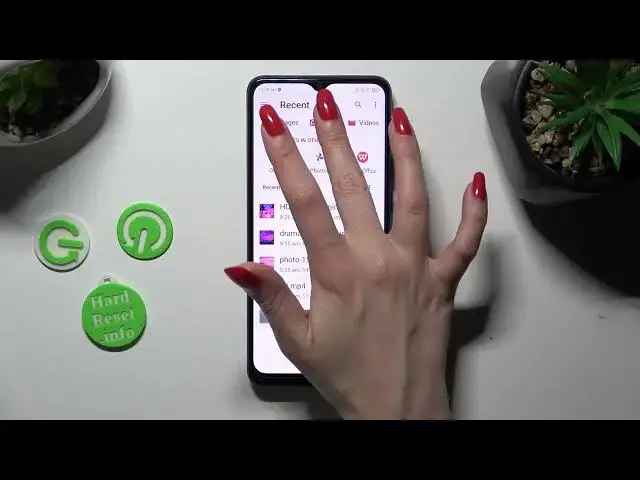

How to Attach a Music & Video File to the Text Message on ZTE Blade A53 Pro
Aug 1, 2024

Learn more about the ZTE Blade A53 Pro: https://www.hardreset.info/devices/zte/zte-blade-a53-pro/tutorials/
Take your text messages to the next level by learning how to add music or audio files to your messages on the ZTE Blade A53 Pro in this engaging video tutorial. Join us as we guide you through the step-by-step process of incorporating music into your text messages, allowing you to add a personal touch and convey emotions like never before. We'll explore the messaging app, demonstrate how to attach audio files and provide tips on selecting the perfect song or sound clip. Whether you want to share a favorite song, a voice recording, or a special sound effect, our comprehensive guide will help you impress your friends and make your text messages stand out. Get ready to enhance your messaging experience and add a musical touch to your ZTE Blade A53 Pro messages with our expert tips and tricks!
How to add an audio file to a text message on ZTE Blade A53 Pro? How to add a video to an SMS message on ZTE Blade A53 Pro? How to link media files to SMS messages on ZTE Blade A53 Pro? How to compose and send the MMS message on ZTE Blade A53 Pro?
#ZTEBladeA53Pro #TextMessage #ZTEMedia
Follow us on Instagram ► https://www.instagram.com/hardreset.info
Like us on Facebook ►
https://www.facebook.com/hardresetinfo/
Tweet us on Twitter ► https://twitter.com/HardResetI
Support us on TikTok ► https://www.tiktok.com/@hardreset.info
Use Reset Guides for many popular Apps ► https://www.hardreset.info/apps/apps/
Show More Show Less #Music & Audio
#Email & Messaging
#Text & Instant Messaging
#Voice & Video Chat
#Mobile Apps & Add-Ons
#Intelligent Personal Assistants