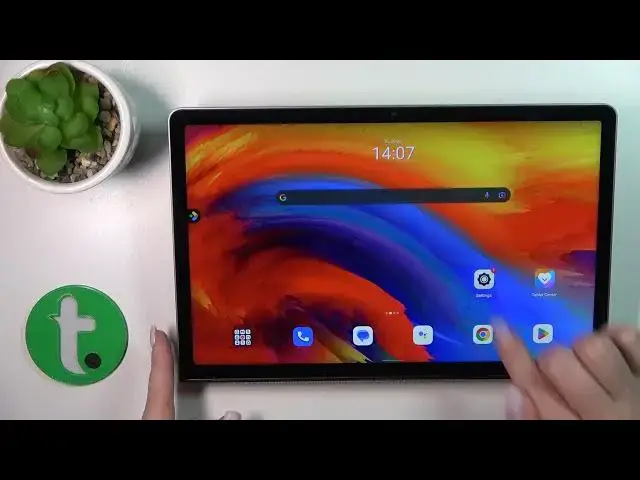

How to Assign the Camera Quick Launch to the Side Power Button on a LENOVO Yoga Tab 11
Mar 20, 2024

Learn more about the LENOVO Yoga Tab 11: https://www.hardreset.info/devices/lenovo/lenovo-yoga-tab-11-lte/tutorials/
In this video, we will teach you how to activate the side power key camera quick launch function on your LENOVO Yoga Tab 11 tablet. This feature allows you to quickly launch the camera app by double-pressing the power button on the side of your tablet. We will walk you through the step-by-step process of enabling this feature in your tablet's settings, and show you how to customize it to your liking. We will also provide tips on how to use this feature effectively and efficiently, so you can capture those important moments on the go. Whether you're a photography enthusiast or just need quick access to your camera, this video will help you activate and make the most of the side power key camera quick launch function on your LENOVO Yoga Tab 11.
How to enable the camera quick launch on a LENOVO Yoga Tab 11? How to customize the quick launch function for a side power key on a LENOVO Yoga Tab 11? How to link a camera quick launch to the power key on a LENOVO Yoga Tab 11?
#LENOVOYogaTab11 #QuickLaunch #LENOVOCamera
Follow us on Instagram ► https://www.instagram.com/hardreset.info
Like us on Facebook ►
https://www.facebook.com/hardresetinfo/
Tweet us on Twitter ► https://twitter.com/HardResetI
Support us on TikTok ► https://www.tiktok.com/@hardreset.info
Use Reset Guides for many popular Apps ► https://www.hardreset.info/apps/apps/
Show More Show Less